5 AI Tools for Creating Scroll-Stopping Instagram Content
.jpg)
You know the feeling. You’re scrolling through Instagram, and suddenly, a post makes you stop in your tracks. It’s not just the caption or the subject; the visuals are so crisp, creative, and captivating that you can't help but hit that like button. You might think creating content like that requires a team of designers or hours of editing. What if we told you that you could do it yourself, in minutes?
The secret is artificial intelligence. AI tools are completely changing the game for creators and small business owners. They act as your personal creative assistant, helping you design stunning images, edit professional videos, and craft a visual content that feels uniquely you. You have the ideas, and these tools have the power to bring them to life without a steep learning curve.
Ready to make your feed the one people can’t scroll past? Let's explore five AI tools that will help you create amazing Instagram content.
{{blog-cta-section}}
TL;DR
- Discover five innovative AI tools to enhance your Instagram presence, allowing anyone to create stunning visuals with ease.
- Wixel enhances images with AI editing features, including a background remover and auto-enhance tools for professional-looking posts.
- Luma AI transforms photos and videos into 3D models, making product displays on Instagram more interactive and engaging.
- Canva Magic Studio offers AI-driven design tools for quick and creative content generation, including customized templates and object removal.
- Captions automates video editing and adds eye-catching captions, improving viewer retention and polish for your Reels and Stories.
1. Wixel: Your All-in-One Image Enhancer
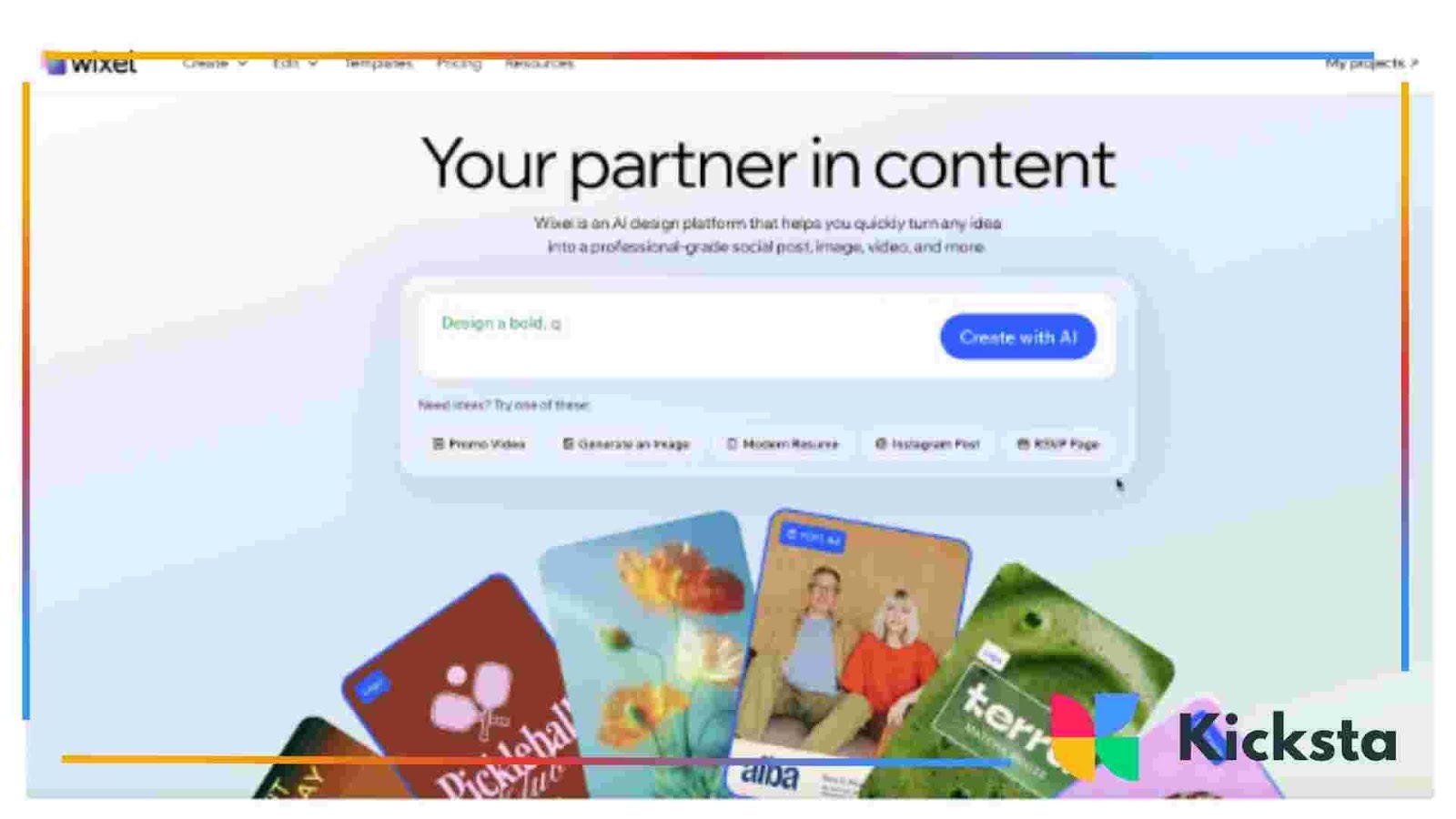
First up, let's talk about the images that form the foundation of your feed. Whether you’re posting product shots, lifestyle photos, or team headshots, you want them to look polished and professional. Wixel by Wix, built right into your website’s media manager, is packed with AI features that make editing a breeze.
What it does:
The Photo Studio is a suite of tools that gives your images a professional touch without needing any complex software. It’s all about making quick, impactful edits so you can get back to running your business.
Key AI Features:
- AI Image Generator: Need a custom image that doesn’t exist? Just describe what you want, and the AI will create a unique, high-quality picture for you. This is perfect for blog headers, conceptual posts, or just adding a creative flair to your feed.
- AI Background Remover: This is a game-changer for product-based businesses. With one click on your background remover tool, you can delete the background from any photo, giving you a clean, professional shot. You can then place your product on a solid color, a new scene, or even a background created by the AI Image Generator.
- Auto-Enhance: Not sure what your photo needs? The auto-enhance feature analyzes your image and applies the perfect adjustments to brightness, contrast, and saturation. It’s like having a professional photo editor give your picture a quick once-over.
How to use it for Instagram:
Imagine you run an online jewelry store. You can take a simple photo of a necklace on a plain surface, use the background remover to isolate it, and then use the AI Image Generator to create a beautiful, artistic background. The result is a stunning product shot that looks like it came from a high-end magazine photoshoot.
2. Luma AI: Bring Your Products to Life in 3D
Still images are great, but what if you could let your followers see your product from every angle? Luma AI is an incredible tool that allows you to create realistic 3D models of objects using just your phone's camera.
What it does:
Luma AI turns a series of photos or a short video into a high-quality 3D model. You can then use this model to create amazing videos and interactive experiences to increase your Instagram followers.
Key AI Features:
- 3D Model Creation: The core of Luma is its ability to reconstruct objects in 3D. You simply walk around an object while taking a video, and the AI builds a photorealistic model.
- Cinematic Video Generation: Once you have your 3D model, you can create smooth, cinematic camera movements around it. Think of the product shots you see in high-end commercials. You can do that yourself.
- Virtual Scenes: You can place your 3D model into different virtual environments, allowing you to showcase your product in any setting you can imagine.
How to use it for Instagram:
If you sell handmade ceramics, you can create a 3D model of your best-selling mug. Then, you can generate a Reel that shows the camera smoothly flying around the mug, highlighting the handle, texture, and glaze. It’s a far more engaging way to show off your product than a simple photo.
3. Canva Magic Studio: Your Design Playground
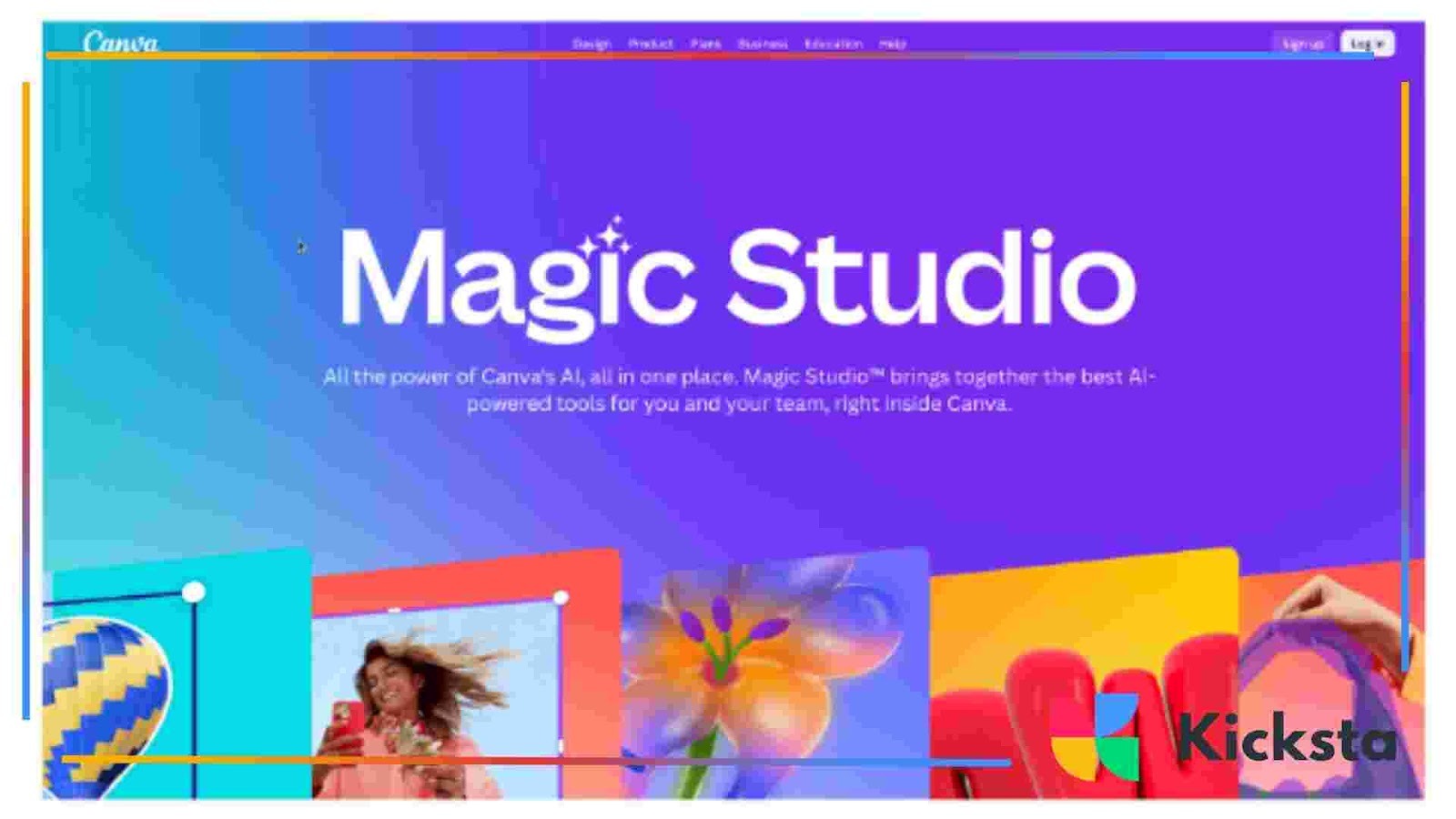
Canva has long been a favorite for creating social media graphics, but its Magic Studio takes things to a whole new level. It’s a collection of AI-powered tools that help you design everything from Instagram Stories to carousels with incredible speed and creativity.
What it does:
Canva’s Magic Studio is designed to be your creative partner, helping you brainstorm, design, and edit visuals all in one place. It turns simple ideas into polished designs effortlessly.
Key AI Features:
- Magic Design: This feature is pure genius. You upload a photo, and Magic Design will generate a selection of fully customized templates using your image. It pulls colors from your photo and suggests layouts and fonts that match, giving you a beautiful design in seconds.
- Magic Eraser & Magic Edit: Similar to a background remover, Magic Eraser lets you remove unwanted objects from your photos. Magic Edit takes it a step further. You can brush over an area of your image, describe what you want to see instead, and the AI will generate it for you.
- Text to Image: Like other AI image generators, this feature allows you to create unique photos and graphics from a simple text description. It’s built right into the Canva editor, so you can add AI-generated elements to your designs seamlessly.
How to use it for Instagram:
Let’s say you’re a real estate agent. You can upload a photo of a house you just listed, and Magic Design will create a series of "Just Listed" posts and Stories for you. If a car is parked in the driveway of your main photo, you can use Magic Eraser to remove it for a cleaner sho
4. Captions: Your AI Video Editing Assistant
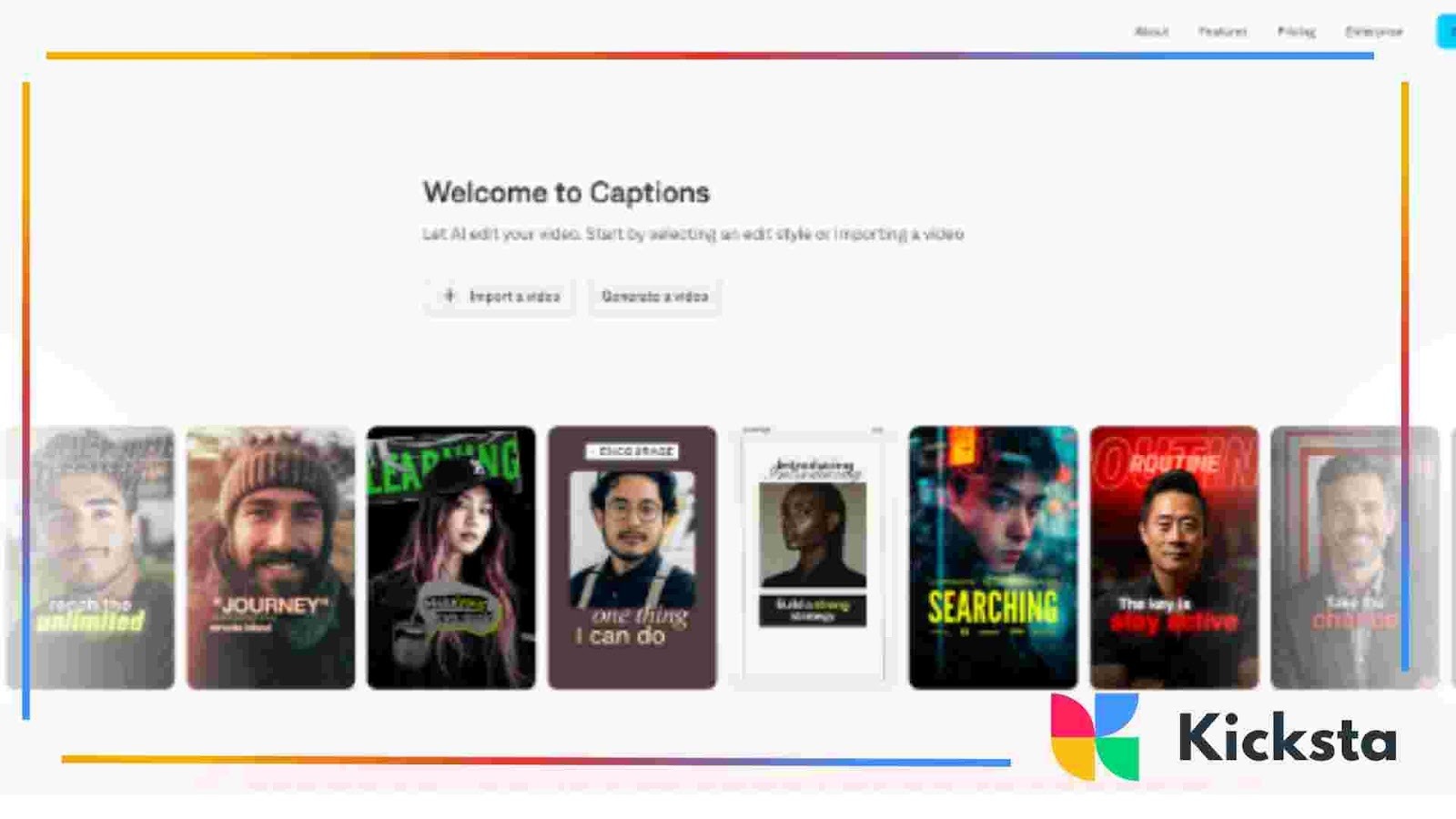
Video is king on Instagram, but editing can be time-consuming. Captions is an AI-powered app that automates many of the tedious parts of video editing, especially for talking-head style videos common in Reels and Stories.
What it does:
Captions are designed to make your videos look more professional and engaging with minimal effort. It’s particularly amazing at generating accurate, stylish captions that keep viewers hooked.
Key AI Features:
- AI-Generated Captions: The app automatically transcribes your video and creates animated, word-by-word captions in various styles. This is huge for viewer retention, as many people watch videos without sound.
- AI-Powered Editing: Captions can automatically remove filler words like "um" and "uh" and shorten awkward pauses, making you sound more confident and professional.
- AI Eye Contact: If you’re reading from a script and your eyes drift away from the camera, this feature corrects your gaze to maintain a direct connection with your audience.
How to use it for Instagram:
If you’re a coach or consultant who shares advice on Reels, this tool is a must-have. You can film a quick video on your phone, and Captions will add dynamic captions, clean up your speech, and make sure you’re always looking at the camera. Your videos will instantly look more polished and hold viewers' attention longer.
5. Midjourney: The Ultimate Artistic Image Generator
For creators who want to push the boundaries of creativity, Midjourney is the tool. It’s an AI image generator known for producing highly artistic and often stunningly beautiful images from text prompts.
What it does:
Midjourney operates through the chat app Discord. You join their server and interact with a bot by typing prompts. It excels at creating complex scenes, artistic styles, and photorealistic images that often look like they were made by a professional artist.
Key AI Features:
- Advanced Prompt Interpretation: Midjourney is known for its ability to understand nuanced and creative prompts, allowing you to generate very specific styles.
- Style Consistency: You can use reference images or specific prompts to maintain a consistent artistic style across all your generated images.
- Image Upscaling and Variation: Once you get an image you like, you can easily create high-resolution versions or generate variations to explore similar concepts.
How to use it for Instagram:
A musician could use Midjourney to create otherworldly cover art for a new single. A fantasy author could generate character portraits or scenes from their book to share with fans. A brand with a very specific, artistic vibe can create a whole library of on-brand images to use in carousels and posts, ensuring their feed looks completely unique.
Putting It All Together
The best part about these tools is that they work together. You can generate a base image in Midjourney, remove its background in the Wixel tool, import it into Canva to add text, and post it to Instagram. The creative possibilities are endless.
You have the vision for your brand. Now, with the help of these AI tools, you have everything you need to create an Instagram feed that not only looks amazing but also truly represents your unique style. So go ahead, start experimenting, and have fun creating content that makes people stop and say, "Wow."
What are AI tools and how can they help with Instagram content creation?
AI tools are software applications that use artificial intelligence to assist users in various tasks. In the context of Instagram content creation, these tools can help users design and edit images and videos quickly and effectively, making it easier to produce high-quality, engaging content without extensive design or editing skills.
What is Wixel and how can it enhance my Instagram images?
Wixel is an AI-powered image enhancement tool that allows users to edit their photos easily using various features. It includes an AI Image Generator for creating unique images, an AI Background Remover to isolate subjects, and an Auto-Enhance feature for optimizing photos automatically. These capabilities can help you create polished Instagram photos that stand out.
How does Luma AI create 3D models for Instagram?
Luma AI allows users to turn a series of photos or a short video into a realistic 3D model of an object. With just your phone's camera, you can capture an object from multiple angles, and Luma AI will reconstruct it. This tool is excellent for creating dynamic content on Instagram, enabling followers to view products interactively.
What features does Canva Magic Studio offer for Instagram design?
Canva Magic Studio is a suite of AI tools designed to simplify the design process for Instagram posts and stories. Key features include Magic Design, which creates customized templates based on uploaded images; Magic Eraser for removing unwanted elements in photos; and Text to Image, which generates graphics from text descriptions, all aimed at enhancing creativity and efficiency in your design work.
How can Captions help improve my video content on Instagram?
Captions is an AI-powered video editing app that enhances the quality of video content on Instagram by automatically generating captions and improving video editing. It removes filler words, reduces long pauses, and corrects eye contact for a more professional appearance. This helps increase viewer retention and engagement in your Reels and Stories