Top 10 Instagram WordPress Plug-Ins For Your Website in 2026
.jpg)

Instagram has become a central part of how businesses communicate online. When visitors land on your website, they often want to see real images, recent activity, and simple stories that explain who you are. Adding an Instagram feed helps them feel connected quickly and naturally.
A good plugin brings your Instagram content directly into your WordPress site. This keeps your website fresh without extra effort. As your Instagram posts update, your site updates too. This creates a calm and reliable experience for visitors who want to understand your brand with ease.
Instagram Plug-Ins for WordPress
Instagram plug-ins help bring your social content directly onto your website. They create a natural bridge between your online presence and your visitors. When people see real images and simple stories, they understand your brand faster. This connection helps your website feel active without constant manual updates.
These tools also allow you to display posts in clean layouts that match your design. Whether you use grids, sliders, or simple galleries, the results feel fresh. Visitors enjoy scrolling through visual moments, and this helps them stay longer. A smooth feed strengthens interest and builds trust quietly.
Visual Storytelling
Visual storytelling helps your site feel alive. When visitors see real images from your daily work, they understand your brand personality without reading long descriptions. This mix of visuals and simple design creates a warm first impression on your WordPress pages.
Instagram plug-ins support smooth display layouts. They show your posts in clean grids or soft sliders. These visuals help people move through your story quickly. This guide also helps your site feel more inviting and encourages deeper browsing connected to Instagram post ideas.
Social Proof
Social proof builds trust because visitors see real interactions from your Instagram feed. When they notice comments, likes, and reactions, they understand that your content matters to others. This gentle proof supports confidence in your brand.
Plug-ins show this activity directly on your WordPress site. As your Instagram grows, so does your social proof. These signals help visitors feel connected and support friendly themes reflected in your love captions and warm posts.
Engagement on Site
Instagram plug-ins keep visitors engaged by offering fresh content without extra work. People enjoy scrolling through visual stories, and these feeds encourage longer sessions on your website. This helps create a calm and enjoyable browsing experience.
When visitors stay longer, your site benefits. Time on page increases, and interest grows. These tools help strengthen your design and support steady interaction. They also complement expressive posts shaped by selfie captions on your Instagram account.
{{blog-cta-section}}
What to Look For
Choosing the right plug-in starts with understanding how it fits your site’s needs. A good plug-in should connect easily, display clean visuals, and offer simple customization. When the setup feels easy, you can focus on sharing your content rather than fixing technical problems.
Performance matters as much as design. Fast loading speeds, reliable updates, and strong connections help your feed run smoothly. These strengths improve user experience and prevent issues over time. A dependable plug-in protects your site's performance and supports long-term growth across your pages.
Feed Setup
A good plug-in offers simple setup steps. Clear instructions help you connect your Instagram account fast. When the process is smooth, you feel confident adding your feed to your WordPress site without stress.
Feed setup also includes layout choices and basic display rules. These features help your website feel consistent. A strong setup supports later updates and pairs well with strategies linked to Instagram marketing efforts across your brand.
Custom Layout Options
Custom layout tools help you shape your feed in a style that fits your brand. You can choose grid views, slider views, or gentle collage formats. These visual choices keep your site clean.
Layouts also influence how visitors interact with your feed. When your display feels organized, people explore longer. These designs help creators blend their work with content built around story highlights or visual themes from their profile.
Speed and Performance
Speed matters when showing Instagram content. A slow plug-in frustrates visitors and harms your website experience. Choose plug-ins that load images quickly and avoid heavy code.
Fast performance also supports mobile users. When your feed loads smoothly, visitors stay longer. This performance strength helps your site match the flow of videos you might promote through Instagram Reels ads.
Reliable API Connection
A reliable API connection ensures your Instagram feed updates without breaking. This connection pulls your new posts into WordPress automatically. A strong link keeps everything fresh.
Reliable connections also protect you from display errors. When the API remains stable, your feed looks consistent. This helps maintain the professional tone you expect when completing an Instagram audit for your online presence.
Security and Privacy Checks

Security protects your account data. Choose plug-ins that store tokens safely and follow platform rules. These steps keep your Instagram connection protected from unwanted access.
Privacy also matters for visitors. Plug-ins built with safe code help protect user data. This care creates trust and supports smoother management while you work to optimize your bio for better visibility.
Mobile Optimization
Mobile optimization ensures your feed looks good on every device. Many visitors browse on phones, so your layout must adjust smoothly. Clean spacing helps make your content easy to view.
A mobile-friendly plug-in also loads faster. This creates a better browsing flow and keeps visitors engaged longer. These improvements help build steady interaction for people exploring your Instagram story ideas through your feed.
Top 10 Instagram WordPress Plug-Ins (2026)
Instagram plug-ins give you a simple way to share photos, stories, and creative moments from your account. Each option offers different features that fit unique needs. Some tools focus on design, while others focus on speed, filters, or galleries. These choices help you match your style.
The top plug-ins also provide solid performance. They load fast, update reliably, and blend into different WordPress themes. Whether you run a blog, a shop, or a portfolio site, the right plugin helps you highlight your content in a calm, clear, and organized way.
Smash Balloon Social Photo Feed

Smash Balloon offers a simple setup and clean visual controls. It updates your feed automatically and blends into almost any WordPress theme. This makes it ideal for beginners or anyone wanting effortless display options.
It also offers filtering tools that help you choose which posts appear on your site. These controls keep your feed focused and support brands wanting a balanced look while sharing content inspired by profile picture captions.
Pros & Cons
Smash Balloon is reliable and fast. It rarely breaks and performs well on both desktop and mobile devices. These strengths make it a favorite among many business owners.
Some advanced features require paid upgrades. This may limit deeper customization for users who need more control. Still, it remains one of the most respected tools in the Instagram plugin WordPress category.
Best For
This plug-in suits small businesses, bloggers, and creators wanting a clean and dependable feed. It helps maintain a professional look with minimal work.
It also supports larger brands needing stability. Its smooth performance fits well with feed styles used in your WordPress Instagram integrations.
Spotlight Instagram Feeds
Spotlight offers real-time previews and drag-and-drop layout options. It helps you see changes instantly, which makes design simple. This tool welcomes beginners with an intuitive setup. A similar approach to easy visual editing appears in basic resources about social media designing tools, where simple adjustments help designs feel clear and flexible.
Spotlight supports multiple accounts and lets you display different feeds on separate pages. This flexibility helps brands showcase various styles and supports diverse ideas across a WordPress Instagram plugin setup.
Pros & Cons
Spotlight is lightweight and loads images quickly. This makes browsing smooth for visitors. Its interface is simple and clear.
Some layout features require paid access. Users wanting advanced control may need upgrades. Even so, Spotlight stays popular among people wanting a friendly Instagram feed plugin solution.
Best For
Spotlight works well for creators wanting modern designs. It suits brands that want to show bright visuals and consistent stories across their site.
It also fits bloggers and designers wanting to merge Instagram themes with long-form posts. This style connects well with warm messages shaped by love captions on social media.
10Web Social Feed
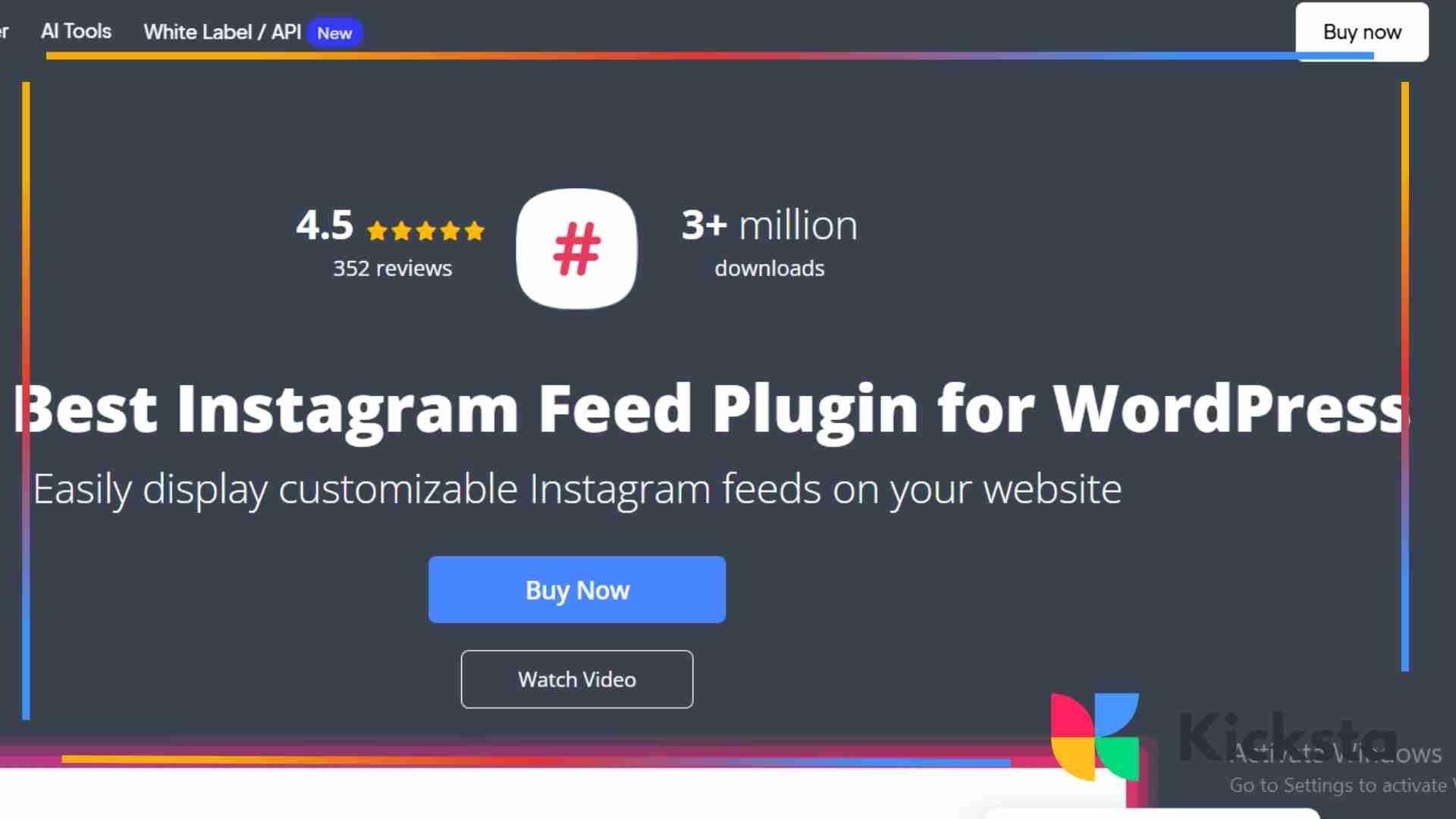
10Web Social Feed offers simple tools for adding Instagram content to your WordPress site. It supports image grids, lightbox views, and easy customization. The setup is quick and beginner-friendly.
This plug-in also supports automated updates. New posts appear on your site without effort. This helps create a smooth experience for visitors exploring visual stories shaped by Instagram story ideas.
Pros & Cons
The plug-in is stable and clear. It loads images quickly and offers flexible layout controls. Many users enjoy its clean interface and predictable behavior.
Some advanced features require paid plans. Free users may find limitations in filtering options. Still, the tool remains reliable in the Instagram feed plugin WordPress category.
Best For
10Web is ideal for small businesses wanting a simple Instagram gallery. It works well for people who prefer minimal setup and easy maintenance. A similar focus on clean visual displays appears in straightforward overviews of photo galleries, where simple layouts help content feel organized and easy to browse.
It also suits creators who post consistent visual content. Its display style keeps your feed fresh and pairs well with short videos you may share through Instagram Reels ads.
{{blog-cta-section}}
Social Slider Feed
Social Slider Feed displays Instagram posts in sliding carousels. This movement helps attract attention and suits websites wanting dynamic visuals. The plug-in is simple to install.
It also supports different display sizes. This flexibility helps match your WordPress theme. Smooth sliders create a calm experience and support consistent design across your plugin, Instagram WordPress setup.
Pros & Cons
The slider offers fresh motion that helps highlight your best images. It loads quickly and provides clean transitions that draw the eye.
The free version has limits on advanced display settings. Some users may need upgrades for full control. Overall, it remains a friendly Instagram feed WordPress solution.
Best For
This plug-in works well for creative portfolios. Sliding visuals help artists, photographers, and designers display their work with ease.
It is also helpful for brands wanting movement on their homepage. The slider effect adds energy and pairs well with expressive content often shared in story highlights on Instagram.
WPZOOM Social Feed Widget
WPZOOM Social Feed Widget offers simple widget placement for Instagram images. It blends easily into sidebars or footers. This helps keep your site fresh without heavy design changes.
It also offers small layout options for compact spaces. This helps maintain a clean structure on pages that need a gentle visual lift using a WordPress Instagram plugin.
Pros & Cons
The widget loads images quickly and uses minimal resources. It fits well into simple websites and blog themes without slowing them down.
Its customization options are limited compared to larger plug-ins. Users wanting advanced control may prefer other tools. Still, it remains useful for clean Instagram feed plugin setups.
Best For
WPZOOM works best for bloggers who want a simple sidebar feed. It keeps their WordPress site active with fresh visuals.
It also suits shops wanting small galleries near product pages. These quiet displays help visitors understand brand style and connect with familiar themes from Instagram.
RafflePress (Instagram Giveaway Helper)

RafflePress helps brands create giveaway events that integrate smoothly with Instagram. It includes easy entry options and simple reward systems for visitors. This helps increase activity.
The tool also offers templates for quick setup. This makes it easy for business owners to find tools that complement their Instagram marketing efforts alongside giveaways.
Pros & Cons
RafflePress encourages engagement through clear actions. It boosts participation and helps your brand appear more active.
But some features require paid upgrades. Users needing full integration may need the advanced version. Even so, it works well for running giveaways linked to real Instagram followers growth strategies.
Best For
RafflePress suits brands wanting to host promotions or contests. It helps guide visitors through simple steps and builds excitement.
It works especially well for e-commerce stores. Giveaways help attract new visitors who later explore your Instagram feed or website.
Envira Gallery Instagram Add On
Envira Gallery offers polished gallery tools. Its Instagram add-on imports your posts into organized collections. This helps create strong image grids.
It includes lightbox displays that highlight your images gently. This visual style suits sites wanting full control over their Instagram WordPress plugin configurations.
Pros & Cons
The galleries look clean and professional. They support photographers and creators who prefer elegant presentation.
However, the add-on requires a paid license. Free users may need upgrades for more display freedom. It still remains powerful for refined Instagram widget WordPress setups.
Best For
Envira Gallery is excellent for photographers and studios. It helps showcase portfolio work effortlessly.
It also suits artists who want structured image grids. This gallery style provides calm visual flow and pairs well with branded visuals on Instagram.
{{blog-cta-section}}
Feed Them Social
Feed Them Social supports multiple social platforms. You can display Instagram, Facebook, or Twitter feeds together. This helps unify your online presence.
It also offers shortcode tools for placing feeds anywhere. This flexibility helps you design custom layouts for your WordPress Instagram feed needs.
Pros & Cons
The plug-in offers broad support across different accounts. It helps you manage everything in one place.
However, some designs feel basic. Users wanting more advanced visuals may need upgrades. Still, it remains versatile for mixed Instagram plugin setups.
Best For
Feed Them Social suits brands wanting to show on multiple platforms. It helps visitors understand your presence across channels. A similar sense of multi-platform connection appears in simple guides about social feeds, where different sources come together in one visual stream.
It fits bloggers, shops, and creators wanting variety. This makes it easier to present your brand’s full story with a steady visual flow.
Grace Instagram Feed
Grace Instagram Feed offers creative layouts and animation styles. It supports grid, masonry, and gallery views. These options help you shape strong visual sections on your website.
It also includes filtering controls for hashtags and user feeds. These tools support advanced display needs found in premium Instagram feed plugin WordPress setups.
Pros & Cons
Grace offers bold designs that help your images stand out. It suits brands wanting expressive layouts.
Its advanced features require paid access. Free users may find limitations. Still, its designs remain some of the most flexible in the category.
Best For
Grace fits agencies, designers, and businesses wanting creative control. It helps showcase strong visuals and clean storytelling.
It also works for creators wanting eye-catching sections on their homepage. These layouts enhance the experience of browsing Instagram-style content on WordPress.
EmbedSocial Instagram Feed
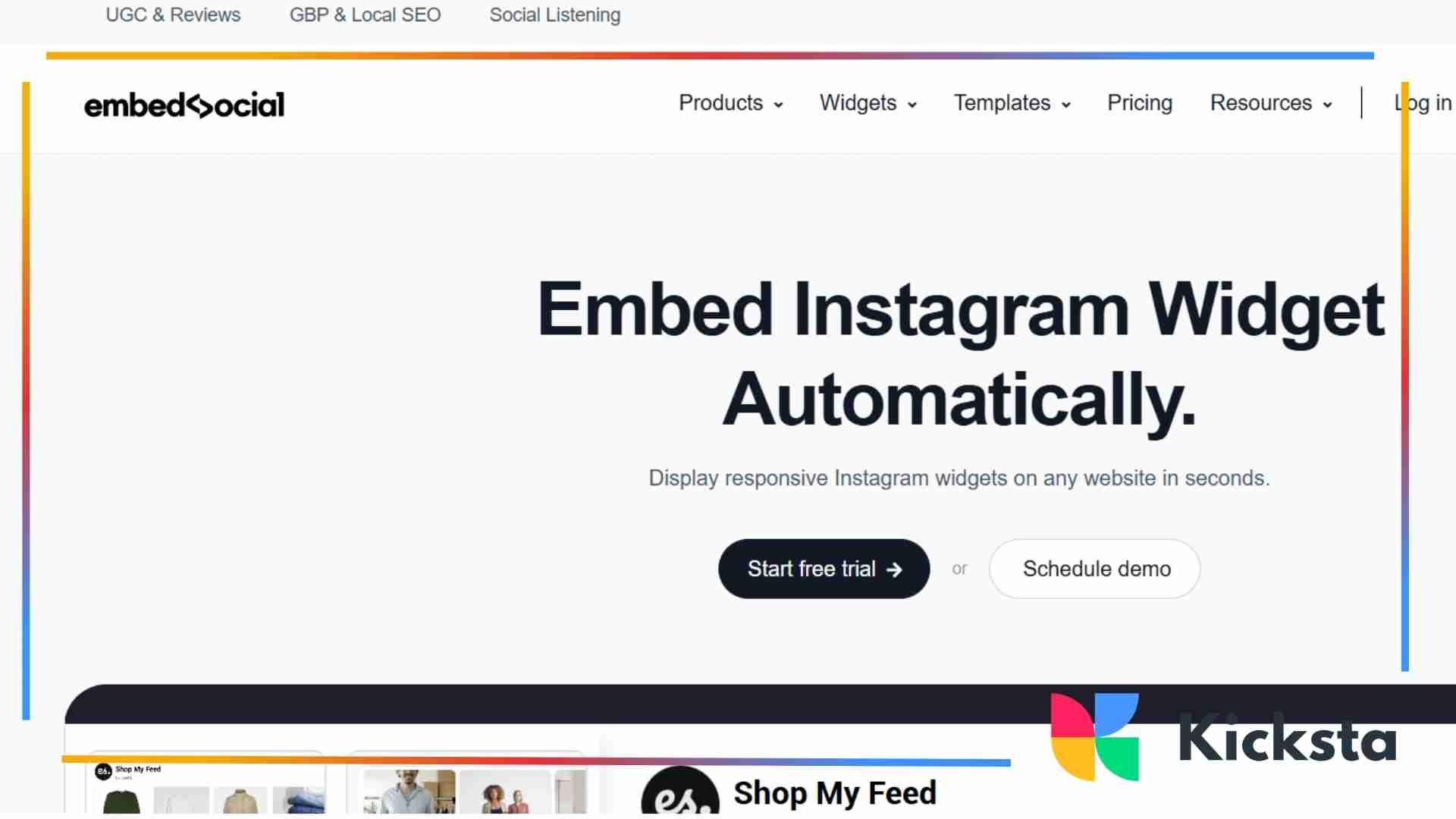
EmbedSocial helps brands show user-generated content. It imports tagged posts and builds galleries of real customer activity. This builds trust.
It also supports customizable templates. These help match your site design and create a simple visual flow for visitors exploring a plugin Instagram WordPress display.
Pros & Cons
The tool provides social proof by showing real posts from customers. It builds connections through authentic content. A similar sense of authenticity appears in broad discussions of social proof, where real experiences help shape trust across platforms.
But some templates require paid access. Free users get basic options only. Even so, it supports unique approaches to the Instagram feed in WordPress integration.
Best For
EmbedSocial suits shops wanting to show customer photos. Real experiences strengthen trust and encourage new purchases.
It also fits creators wanting community-focused feeds. These displays help highlight audience moments and build stronger brand relationships.
How to Pick the Right Plug-In
Picking the right plug-in starts with understanding your website’s purpose. Bloggers need simple displays. Brands may need advanced layouts. Stores require tools that highlight customer photos. Creators want galleries that show detail. Matching your needs to the right tool makes the process easier.
You should also consider long-term behavior. A plug-in must run smoothly, load quickly, and support updates. Reliable performance protects your site from errors. When the plug-in feels stable, your visitors enjoy a better browsing experience. This creates trust and strengthens your online presence.
For Bloggers
Bloggers often need simple plug-ins that blend into clean layouts. A grid feed or sidebar widget works well because it provides gentle visual support without distracting from written content. These tools help bloggers maintain flow while showing recent posts.
Bloggers also benefit from plug-ins with light customization. Being able to adjust image sizes, spacing, and fonts helps create balance across the page. A calm design encourages visitors to explore older posts and understand the writer’s style.
For Brands
Brands need plug-ins that support professional presentation. Features like custom filters, layout flexibility, and consistent theme matching help maintain a strong identity. This creates a cohesive impression across website pages. A similar focus on shaping a unified look appears in simple discussions of brand identity, where visual consistency strengthens how a business is perceived.
Brands also benefit from plug-ins with reliable performance. Fast loading images and stable API connections build trust and help maintain a positive browsing experience. These strengths support brand storytelling in a simple and meaningful way.
For E Commerce Stores
E-commerce stores should choose plug-ins that highlight real customer content. Showing user images near products builds trust and encourages confidence in purchases. This works well for shops with active communities.
Stores also need plug-ins that load quickly. Slow pages cause people to leave before exploring products. A fast feed helps maintain interest, guiding visitors toward featured items and creating a smooth path to checkout.
For Creators or Photographers
Creators and photographers need plug-ins with high-quality image display. Gallery modes, lightboxes, and large formats help showcase detail. These tools support a strong portfolio presentation.
They also benefit from plug-ins that offer bold layout options. Custom grids and wide spacing help each image breathe. This makes the website feel curated and professional, giving viewers time to appreciate the style.
{{blog-cta-section}}
Common Plug-In Errors and Fixes
Plug-in errors usually come from expired tokens, outdated settings, or theme conflicts. Most issues have simple solutions. Reconnecting your account, updating your tools, or clearing cached files often restores normal behavior. These small steps keep your feed working smoothly.
Some problems appear after theme changes or site updates. Layouts may break, or images may load incorrectly. Adjusting small settings usually helps. Keeping your theme and plug-in updated prevents most problems. Regular checks help maintain stability and a smooth experience for visitors.
Feed Not Updating
A feed that will not update often has a simple cause. Sometimes the API token expires, or your plug-in needs a refresh. Reconnecting your account usually fixes the issue quickly. A similar pattern appears in general notes about cache problems, where stored data can prevent new information from appearing correctly.
It also helps to check caching settings. If your site stores old versions, new posts may not appear. Clearing the cache gives your feed a clean reset and restores normal behavior.
API Token Issues
API tokens expire over time. When this happens, your feed breaks or stops refreshing. Reconnecting your Instagram account restores your access.
You can also generate a new token in your plugin settings. This replacement keeps your feed stable. Token problems are common and usually resolve within minutes.
Slow Load Time
Slow loading happens when the images are large. Compressing your files helps reduce weight and speeds loading across all pages. This makes browsing easier.
It also helps to limit how many posts appear at once. Smaller feeds load faster and improve visitor experience. This keeps people engaged without long waiting times.
Display Layout Problems
Layout problems usually come from theme conflicts. Changing small settings or adjusting margins often fixes the issue. Many plug-ins offer simple repair tools.
It also helps to update both your theme and plugin. Old versions cause errors. Keeping everything current creates smoother performance and a more reliable design.
Final Setup Checklist

A setup checklist ensures everything works as expected. Testing mobile view, load speed, and image clarity helps refine your display. These steps make your feed comfortable to explore. A clean setup encourages visitors to stay longer and explore more.
Refreshing tokens, compressing images, and reviewing display settings help maintain long-term performance. These tasks take only a few moments but make a big difference. A complete checklist protects your plug-in from errors and keeps your Instagram feed fresh on your website.
Test Mobile View
Always check your feed on a phone. Mobile visitors need clean spacing and easy swiping. This ensures your gallery feels comfortable in every format. A similar focus on mobile clarity appears in simple guides about mobile design, where layouts are shaped to feel natural on smaller screens.
Testing also reveals layout errors that you may not notice on larger screens. Fixing these details creates a smooth experience that supports long-term engagement.
Compress Images
Compressing images helps your feed load faster. It prevents heavy pages from slowing your site. Quick loading keeps visitors calm and engaged.
You can use simple tools to compress files without losing quality. This process reduces delays and creates a better viewing experience for all visitors.
Check Load Speed
A fast feed improves your website performance. Use speed tests to see how quickly your images appear. Making small changes can improve response times.
Adjusting plug-in settings also helps. Reducing the number of displayed posts or enabling lazy loading makes your feed run smoothly and feel lighter.
Refresh Token Settings
Refreshing token settings ensures your Instagram connection stays active. Most plug-ins provide simple options for updating tokens. This prevents feed interruptions.
Regular checks keep your content flowing. When tokens stay valid, your feed updates naturally. This creates reliable behavior for visitors exploring your latest posts.
Key Takeaways
Instagram plug-ins help your WordPress site feel more alive. They bring visual content directly to your pages and help visitors understand your brand quickly. When used well, they create a calm and natural browsing experience that supports trust and long-term interest.
Choosing the right plug-in depends on your goals. Whether you want simple widgets, bold image layouts, or advanced gallery tools, each option brings value. Testing features and monitoring performance helps you find the perfect match for your site. With clear presentation and steady updates, your Instagram content becomes a powerful part of your online presence.