3 Tools to Make Your Instagram Content Sound More Human
.jpg)
If you often use AI to write text for Instagram, you’ve probably already noticed the same issue: the captions look fine on the surface, but they often feel a bit too polished or generic. AI speeds things up, but it can also smooth out personality and remove the small imperfections that make content sound natural. We’ll show you how to humanize AI essay and other texts along with the best tools and techniques you can use to improve your captions.
Why It’s Important to Humanize and Edit Text for Social Media
With AI now deeply involved in content creation, the way text sounds matters more than ever. While AI helps speed up writing, it often introduces patterns that feel unnatural in social spaces. That’s why we recommend paying close attention to tone and flow, especially on platforms like Instagram, where people expect communication to feel direct and personal, particularly in areas like Instagram ads management where messaging tone directly impacts performance.
Here are main reasons why you should Humanize AI for social media:
- One of the biggest problems with AI-assisted writing on social media is tone stiffness. AI tends to produce text that is technically correct but overly neutral and predictable. People expect posts to sound spontaneous and personal, not like a press release, a concern even Instagram’s leadership has acknowledged. People expect posts to sound spontaneous and personal, not like a press release, a concern even Instagram’s leadership has acknowledged. People expect posts to sound spontaneous and personal, not like a press release, a concern even Instagram’s leadership has acknowledged.
- Accounts that sound human tend to feel consistent over time. AI-generated text often shifts tone depending on prompts or tools. Humanization helps stabilize voice so posts, comments, and bios feel like they come from the same person or team.
- Many users associate overly clean language with ads. Even when a post is not promotional, a highly polished AI tone can trigger the same reaction. Humanizing text reduces that “selling” signal and makes posts feel more like conversation than messaging.
- Most importantly, many users simply don’t enjoy overly polished AI text. Instagram is built around relatability. Perfect phrasing and templated hooks often trigger scrolling instead of engagement. Humanized text brings back individuality, clearer intent, and a sense that there is a real person behind the account. Even big creators have faced pushback over AI use. MrBeast publicly warned that AI-generated content can threaten creators’ livelihoods and rolled back his own AI features after audience backlash.
AI can help draft and structure ideas, but it cannot fully replicate personal voice or context. When text sounds human, it feels consistent, approachable, and easier to engage with.
{{blog-cta-section}}
Best Tools to Make Instagram Content Sound Human
Now let’s move on to the tools themselves. After we reviewed and compared the most popular options, we selected the ones that read well, keep your voice mostly intact, and do not rewrite captions into something unrecognizable. These tools work especially well for AI detection and maintain strong grammar quality, which is especially important when creating content for Instagram for business accounts that rely on credibility and clarity.
Below, we share three humanizers that stood out the most, along with a few additional tools that help prepare Instagram text before posting.
1. Clever AI Humanizer
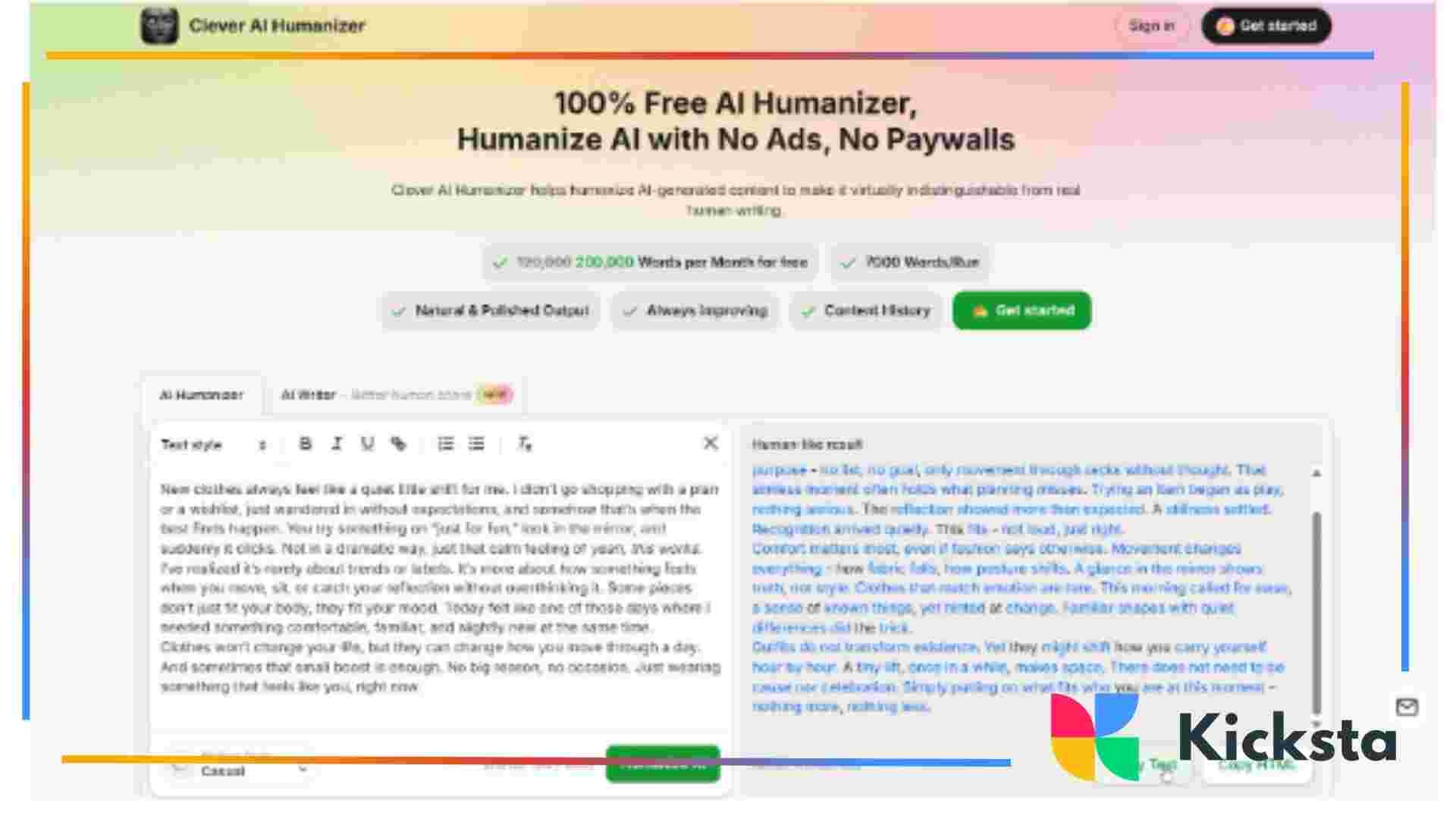
Clever AI Humanizer is one of the best AI to human text converter, it is a fully free tool with unusually strong results across both grammar checks and AI detectors. It is among popular AI humanizer tools for essay writing, blog posts, emails, casual texts, and more.
In our tests, it consistently produced text with very low AI detection scores and proved that it is a world leader in bypassing GPTZero detector. The average score was around 0–5% AI across ZeroGPT and GPTZero, when we started with drafts that initially scored 80–100% AI.
Grammar quality also held up well. Across three long samples, the average grammar score landed at 92–93/100. The text read naturally, with varied sentence length and fewer repetitive structures than typical AI drafts.
Usage limits are generous for a free tool. You can process up to 7,000 words per run, with higher limits available after sign-up. You can also generate plagiarism-free text with AI Writer. It creates already humanized text from scratch instead of fixing robotic drafts afterward.
Why it works well for Instagram:
- Reduces stiff, templated AI phrasing
- Keeps captions conversational and natural
- Supports multiple languages
- Keeps a history of previous rewrites for reference and reuse
- Produces consistent tone across posts and bios
- Works well for captions, pinned comments, and profile text
We recommend Clever AI Humanizer as the first step in the workflow, either to humanize drafts or generate text that already sounds right for social media, particularly when applying practical strategies like the 36 hacks for maximizing your Instagram for business.
2. Write Human AI
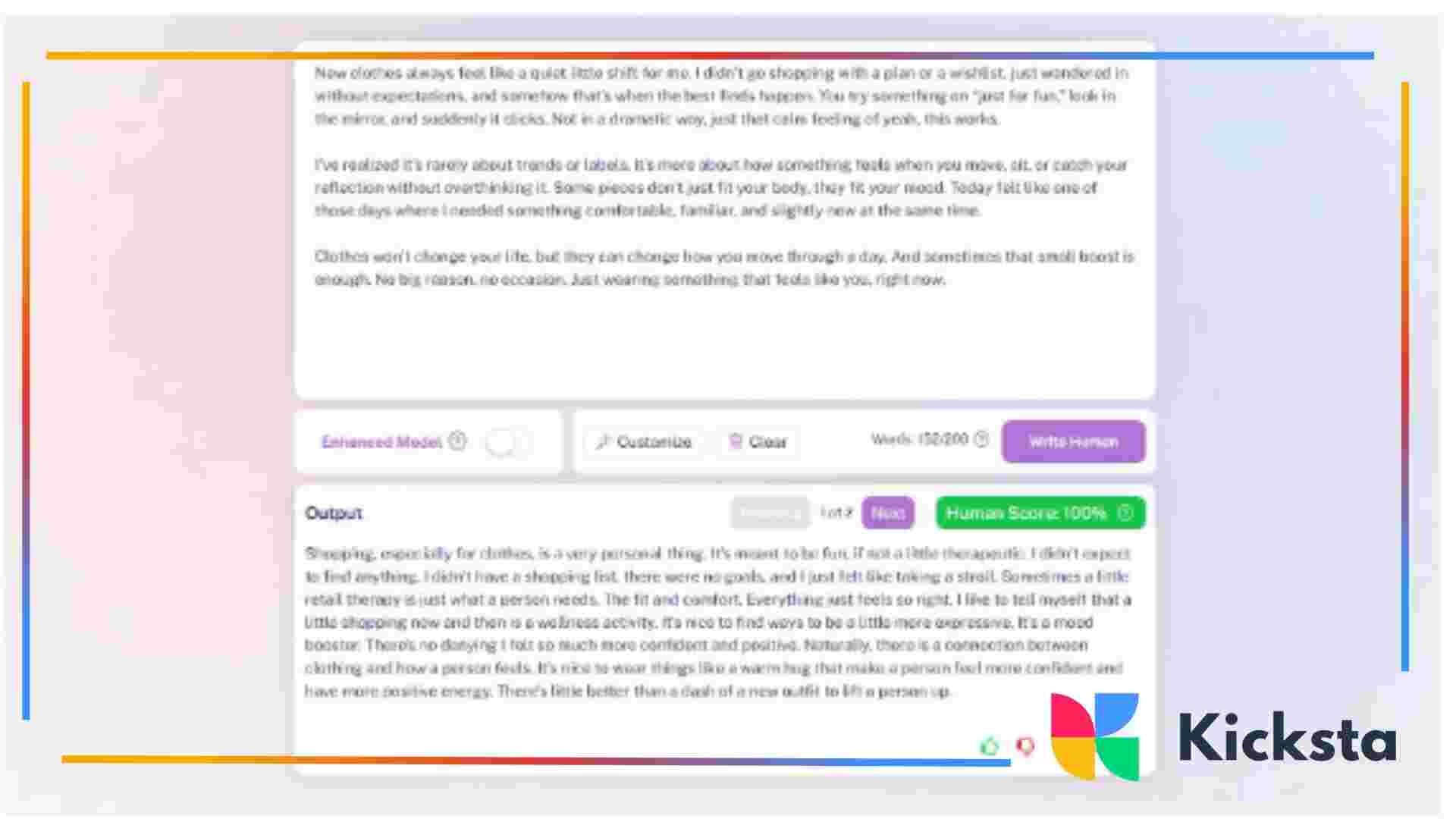
Write Human AI is a paid-first tool that rewrites AI text to sound more natural. In testing, it produced mid-range AI detection results, with average detection around 14–15% AI, which is lower than raw AI output but higher than top-performing humanizers. Grammar quality scored slightly higher than Clever in some samples, averaging around 93/100. The text was clean and readable, but often leaned toward a safe, generic tone, which can feel neutral on social platforms.
The cheapest paid plan starts at around $12 per month, with limits based on requests rather than total words (roughly 600 words per request on lower tiers). A free trial exists, but it is very limited.
Why it works well for Instagram:
- Improves grammar and sentence flow
- Removes some robotic structures
- Useful for longer captions and carousel text
We see Write Human AI as a refinement tool, rather than a generator. It’s usually seen as an AI academic humanizer, but it can work for social media posts too, especially when trying to implement practical advice such as the 12 pro tips to boost your Instagram reach.
3. Grubby AI Humanizer
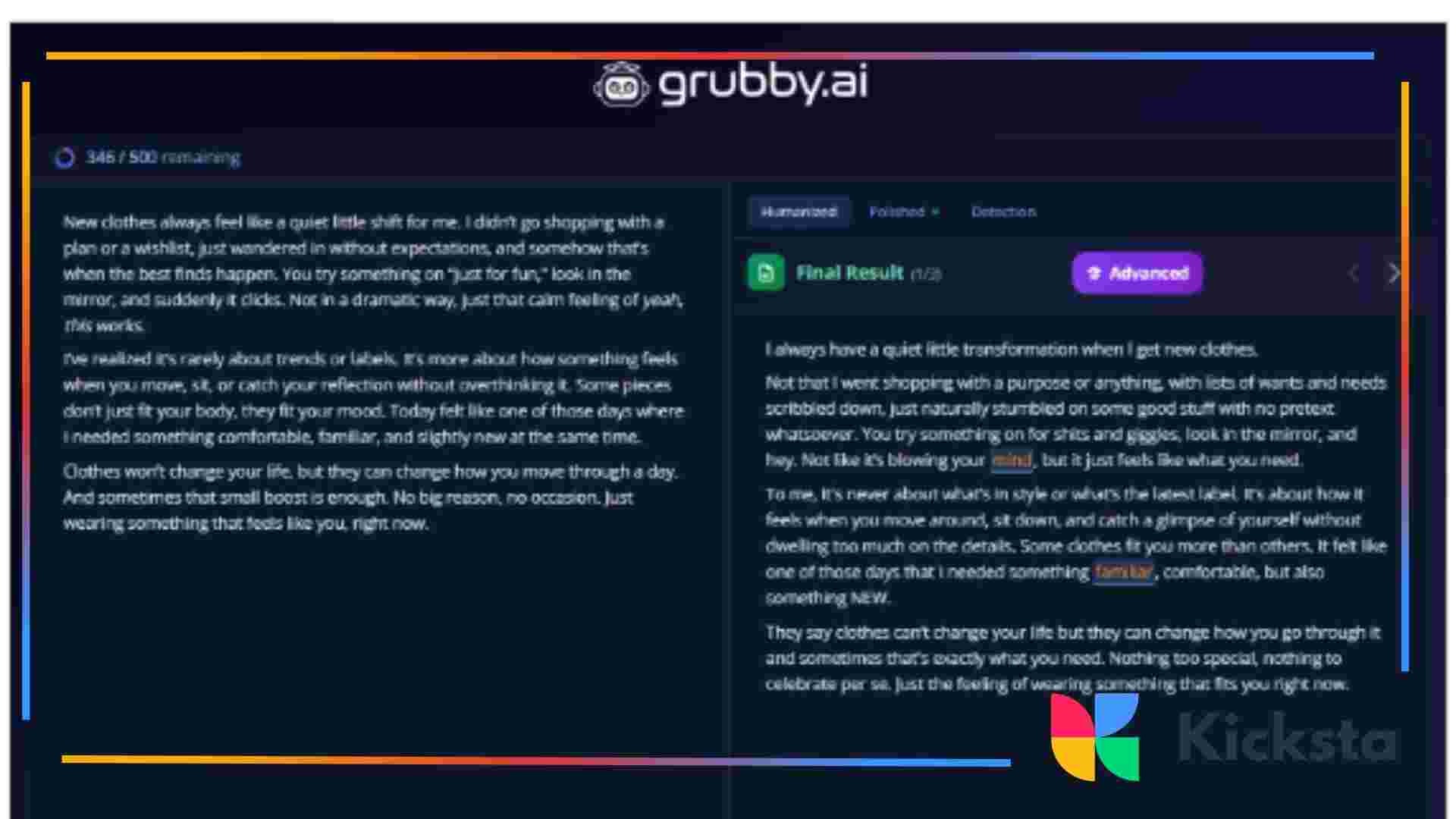
Grubby AI is a free AI essay humanizer that offers a small free allowance (about 300 words) and positions itself as an AI detection bypass tool. In practice, results were mixed. Some detectors like QuillBot and Writer scored the output as human, while GPTZero flagged it as AI , often at 60–100%.
Grammar quality before corrections was decent, but worse than in other tools, averaging 70–75/100. After accepting grammar fixes in tools like Grammarly, scores improved, but detection rates often increased again. This suggests Grubby sometimes relies on awkward phrasing or minor errors to lower detection, which does not hold up once grammar is cleaned.
Why it may help for Instagram:
- Quick way to reduce obvious AI signals
- Useful for short captions or early drafts
- Works well when paired with a grammar checker
Overall, this tool fits best to bypass AI detectors and is a lightweight addition rather than a standalone solution. It can support early-stage drafting or quick rewrites
{{blog-cta-section}}
Other Useful Tools
We also want to recommend a few other tools besides AI humanizers that can be helpful. They don’t rewrite content to sound human, but they can clean things up and catch small issues before you post. Here are our top recommendations:
- Hemingway Editor focuses on readability and sentence structure. It highlights overly complex sentences, passive voice, and unnecessary wording, and shows a readability score with grade levels. This helps assess how easy a text is to read, which is important on Instagram. Paid versions also include AI rewriting tools that suggest simpler phrasing. This is useful when AI text feels dense or over-explained. Hemingway helps make captions lighter, clearer, and easier to read in fast-scrolling feeds.
- Grammarly works as a grammar and clarity checker that catches spelling, punctuation, and phrasing issues before publishing. This is great for longer Instagram captions or carousel text, where small mistakes stand out. A major advantage is its browser extension, which works directly in Instagram’s web interface. It allows real-time checks for captions, comments, and bio text without switching tools. Grammarly also offers basic tone and clarity suggestions that keep AI-assisted drafts clean without changing the original voice.
Tips to Improve Written Content on Instagram
Finally, let’s talk about the small things that make a big difference once the text is already humanized. At this stage, the goal is not to rewrite everything again, but to make sure your caption actually sounds like something a real person would post on Instagram. A few simple writing choices often decide whether the text feels engaging and easy to read or a bit too “edited.”
- Write the way you speak, with light polish. Instagram captions work best when they sound natural. Instead of “This post highlights the importance of consistency,” try “I learned that showing up matters more than getting everything perfect.”
- Break text into short, readable paragraphs. Most users read on their phones, so long blocks of text feel heavy. Short paragraphs guide the eye and keep attention without changing the message.
- Add personal context to your ideas. Facts feel stronger when tied to experience. A sentence like “I reposted this because most people missed it the first time” feels more human than a general statement about visibility.
- Use simple questions to invite replies. A short question at the end of a caption gives readers a clear reason to respond. “Have you noticed this too?” often works better than direct calls to action.
- Stop editing once the text sounds natural. Overediting can bring back a stiff or artificial tone. A final read for clarity usually does more good than repeated rewrites.
These small changes help humanized text feel relaxed and natural on Instagram, which makes it easier for people to connect with what you share. Many people use AI humanizers to refine their texts. Students search how to humanize academic writing, while bloggers and influencers want to make their texts more natural. A few manual tweaks make your content really shine.
{{blog-cta-section}}
Final Takeaways
Here’s the short version to keep in mind:
- Good humanizers help your captions read smoothly without changing your voice too much.
- Pair humanizers with simple writing tweaks like shorter paragraphs and conversational phrasing.
- Grammar and readability tools help clean things up without over-editing.
- Stop editing once the text sounds right. Too much polishing brings the AI feel back.
According to our tests, the best AI humanizer and AI writer is Clever AI Humanizer. Write Human AI works best as a refinement tool for longer captions. Grubby AI Humanizer can help reduce obvious AI signals in short drafts, especially when paired with a grammar checker. Combined with tools like Hemingway and Grammarly, these options give you flexible ways to keep Instagram content natural.
FAQ
Do AI tools hurt Instagram reach?
AI tools do not hurt Instagram reach on their own, and we don’t see evidence that Instagram penalizes AI-written content directly. What affects reach is how people react to the post. When AI-generated text sounds generic, repetitive, or overly polished, users tend to scroll past without interacting. That lack of engagement then signals lower relevance, which reduces reach over time. We recommend using AI to humanize the text so it invites real interaction.
Should I humanize text differently for Reels, Stories, and feed posts?
Yes, because each format supports a different pace and expectation. Feed posts allow more context and explanation, especially for carousel content. Reels and Stories demand faster, simpler language that resembles spoken thought rather than written copy. We usually push tone further toward casual language for Reels and Stories, while feed captions keep clarity without sounding formal. Treating all formats the same often leads to text that feels out of place.
Can humanized text improve replies and DMs?
Yes, replies and DMs benefit the most from humanized text. Users expect real conversation in these areas, not polished or branded responses. When replies sound natural and personal, conversations last longer and trust improves.
How do I keep replies consistent when multiple people manage the account?
We recommend tone guidelines instead of fixed scripts. Define how casual replies should sound, which phrases fit the brand, and which ones feel out of place. Use the same writing and humanization tools across the team. A short review step before sending replies helps maintain consistency without forcing identical wording.







.jpg)