Top Photo Editor Apps For Instagram In 2026
.jpg)
Instagram continues to grow as a place where visual storytelling shapes how people share ideas, travels, and creative projects. Strong visuals help your posts look more polished, and people often choose to engage based on the quality of your images. Editing plays an important role in shaping that first impression.
Many creators want to refine their photos so they match a style that feels clear and appealing. Editing apps help transform simple images into brighter and more balanced posts that attract attention. These tools give you creative freedom without advanced equipment. A steady editing routine helps your content remain consistent and encourages better audience response over time.
Importance of Photo Editing Apps in 2026
Photo editing apps help shape the quality of your content by creating a polished and appealing look. When your images appear clean and balanced, viewers respond with more interest. This helps improve how people experience your visual storytelling and strengthens your overall presentation, especially if you want to learn how to become famous on Instagram.
Editing apps also help you adapt to changing trends. As viewer preferences shift, you can adjust your content to match current styling choices. This improves engagement and helps your photos stay relevant. A clear editing process supports long-term consistency and meaningful growth, which prevents unexpected dips such as losing followers on Instagram.
How Editing Shapes Engagement
Editing shapes engagement because viewers react faster to clean and attractive photos. When your images look balanced, people spend more time viewing them. This helps your posts receive stronger signals. Well-edited visuals help viewers feel more connected to the message you want to share.
Better editing also improves how long people stay on your feed. When photos look appealing, viewers explore more of your posts, especially ones that resemble the most liked post on Instagram in your niche. This helps build stronger interest and encourages continued interaction. A consistent editing routine increases long-term engagement.
Mobile Editing Dominance
Mobile editing continues to dominate because it gives creators flexibility. Editing apps make adjustments simple, allowing you to refine colors and brightness anywhere. This helps you maintain a consistent style even when traveling or moving through your day.
Mobile tools also support daily posting by making editing fast. When you can create clean images quickly, you stay ahead of your content needs. This rhythm helps you keep your audience engaged and supports accurate tracking through an Instagram followers tracker.
{{blog-cta-section}}
What to Look for in Editing Apps
Choosing the right editing app begins with understanding what features help you shape your photos. When your tools support clear adjustments, your images become easier to refine. This helps you create stronger visuals that match the style you want to share.
Good editing apps also make the process simple. When tools feel smooth and easy to use, your workflow becomes faster. This allows you to stay consistent with your posting routine and maintain a polished appearance across your Instagram content, even if you start designing your posts for an Instagram story.
Essential Features
Essential features help you create balanced images that feel complete. When you have tools for exposure, color, and clarity, you can correct small issues quickly. These features help shape a clean and natural look for your photos.
Essential features also support creative control. When you adjust shadows, highlights, and contrast, your photos gain depth and personality. This helps your content feel more expressive and connected to your individual style.
Presets and Filters
Presets and filters help you shape photos quickly by giving your images a unified style. When you use presets with a clear tone, your feed becomes more consistent. Filters also help simplify editing for daily posting.
Presets and filters also save time. Instead of adjusting each image manually, you can use ready styles that match your brand. This helps you maintain a steady visual identity without spending long hours editing.
Retouching Tools
Retouching tools help you correct small imperfections and create a smoother finish. When you adjust skin texture, brighten eyes, or clean backgrounds, your photos look more refined. This helps your visuals feel more professional and carefully prepared.
Retouching tools also support natural edits. When you make small changes that respect the original image, your content stays realistic. This helps maintain trust with your audience while improving overall quality.
Color Grading Capabilities
Color grading capabilities help your photos feel rich and expressive. When you balance tones and enhance mood, your images communicate emotion. This deepens your visual storytelling and makes your content more memorable.
Color grading also helps create a recognizable style. When your colors stay consistent, viewers identify your brand faster. This supports stronger impressions and helps your feed feel more connected and intentional.
Tools for Brand Consistency
Tools for brand consistency help your photos match your identity. When you use templates and editing guides, your visuals connect clearly with your message. This makes your content look organized and helps viewers recognize your brand quickly.
These tools also help you stay efficient. When you rely on structure, you spend less time making decisions. This helps you maintain momentum and allows your brand to evolve with confidence. Some creators even use Instagram name generators to match their visual tone.
Templates and Layout Features
Templates help you keep your style clear and organized. When you use structured layouts, your content looks clean and easy to follow. This helps viewers understand your message quickly and encourages them to stay engaged.
Layout features also help you shape stories and carousel posts. When your design stays consistent, your content becomes more appealing. This supports a solid visual flow and strengthens your overall presentation.
AI Features That Save Time
AI features help you edit quickly by handling routine tasks. When tools adjust lighting or remove distractions automatically, you save time. This helps you work smoothly and keep your posting schedule consistent.
AI features also support creativity. When tools offer suggestions or enhance colors, your photos gain more character. This gives you room to experiment and explore new styles with less effort, even while avoiding issues caused by fake Instagram accounts engaging with your content.
Best Photo Editor Apps for Instagram in 2026
There are many editing apps available, and each one offers different strengths for your content. When you explore these options, you learn which tools match your style. This helps you shape a consistent and polished visual identity across your posts.
Choosing the right editing app also helps support instant Instagram follower growth. When your photos stay clean and expressive, your audience connects with them more easily. This inspires stronger engagement and helps your brand build trust in a steady and natural way.
Professional Level Editing Apps
Professional-level editing apps give you full control over your images. These tools provide advanced adjustments that help refine exposure, color, and detail. They work well for creators who want a polished and expressive style for their content.
These apps also offer powerful features that help elevate your work. When you take time to explore professional tools, your photos gain depth and clarity. This supports a stronger presentation and improves how viewers respond to your posts.
Adobe Lightroom Mobile
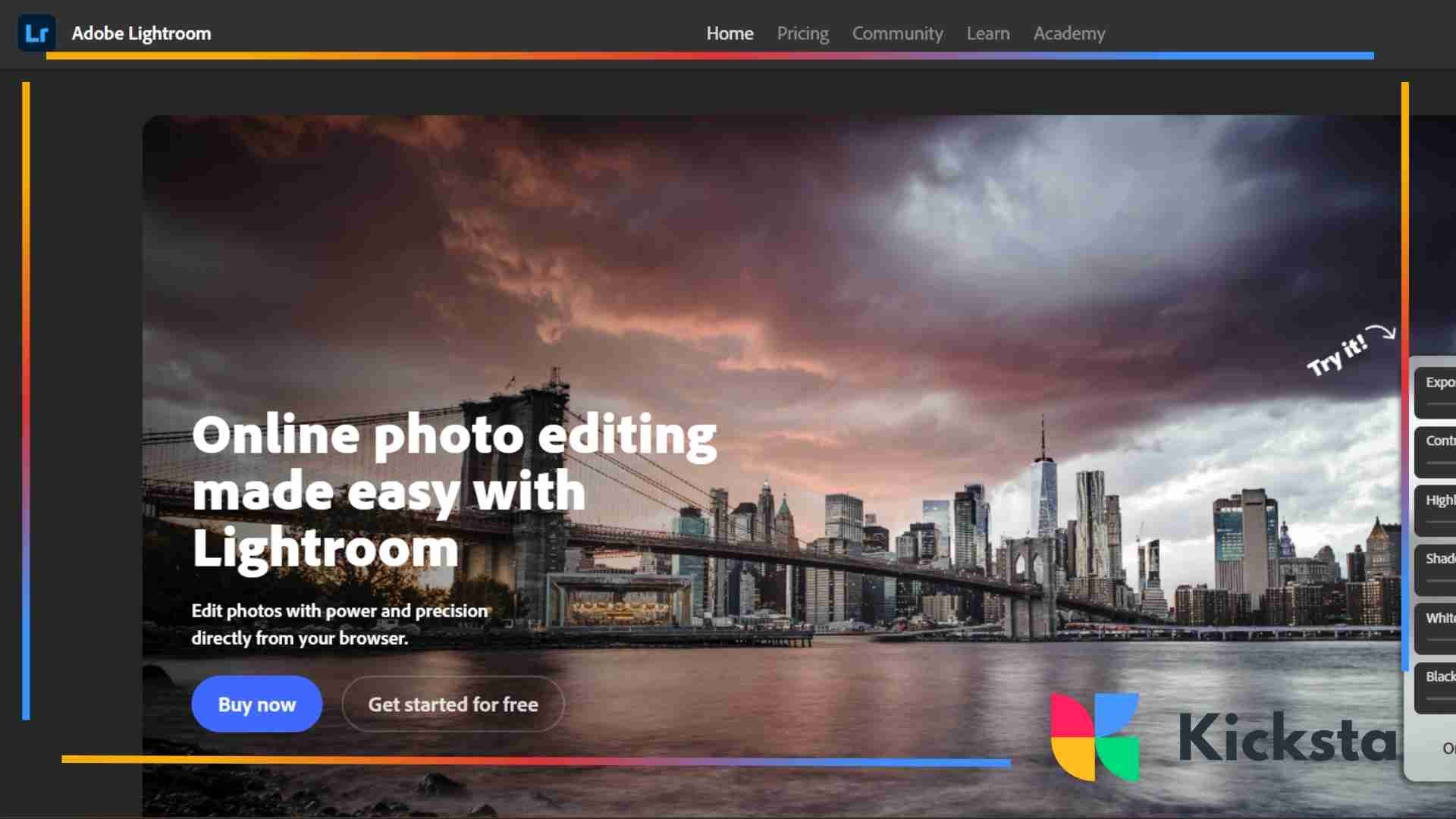
Adobe Lightroom Mobile offers advanced editing tools that help refine your images with clear precision. You can adjust lighting, color, and structure to create a polished finish. Lightroom is ideal for creators who want detailed control over their work.
Lightroom also supports presets that help shape consistent images. When you use the same presets across several posts, your feed becomes more organized and visually appealing. This helps build a recognizable style for your audience.
Pricing
Lightroom Mobile offers both free and paid options. The free version includes strong editing tools, while the premium plan adds advanced features such as selective edits and healing tools. This structure helps creators choose the option that fits their needs.
Why People Choose This App
People choose Lightroom because it offers powerful tools that support professional-quality editing. The app is easy to use and teaches you how to develop your style. Many creators trust Lightroom because it offers flexibility and long-term stability.
Snapseed
Snapseed offers simple controls that help refine your photos quickly. The app includes tools for exposure, color, and clarity adjustments that help your images feel balanced. Snapseed works well for creators who want fast and clean results.
Snapseed also includes features that give you creative control. When you use selective editing or healing tools, your photos become more expressive. This helps you shape your images without needing advanced technical skills.
Pricing
Snapseed is completely free to use. This makes it accessible to anyone who wants strong editing tools without a monthly cost. Its free structure helps creators explore quality editing with a free Instagram photo editors without financial pressure.
Why People Choose This App
People choose Snapseed because it is simple, powerful, and fully free. The tools support detailed editing while keeping everything easy to learn. Many creators appreciate how quickly they can shape clean and engaging visuals.
{{blog-cta-section}}
Darkroom
Darkroom offers professional editing tools with a clean and simple layout. The app includes advanced color controls, tone curves, and batch editing. This helps creators refine their content quickly while maintaining strong quality.
Darkroom also supports direct editing for both photos and videos. This makes it useful for creators who want a single app for everything. Its organized design helps you work smoothly and efficiently.
Pricing
Darkroom offers a free version with essential tools and a paid plan with advanced features. The premium option unlocks deeper color controls and precise adjustments. This flexibility helps match the needs of different creators.
Why People Choose This App
People choose Darkroom because it supports both beginners and experienced editors. The controls feel intuitive, and the layout helps you move quickly. This balance makes Darkroom a strong choice for regular editing.
Afterlight
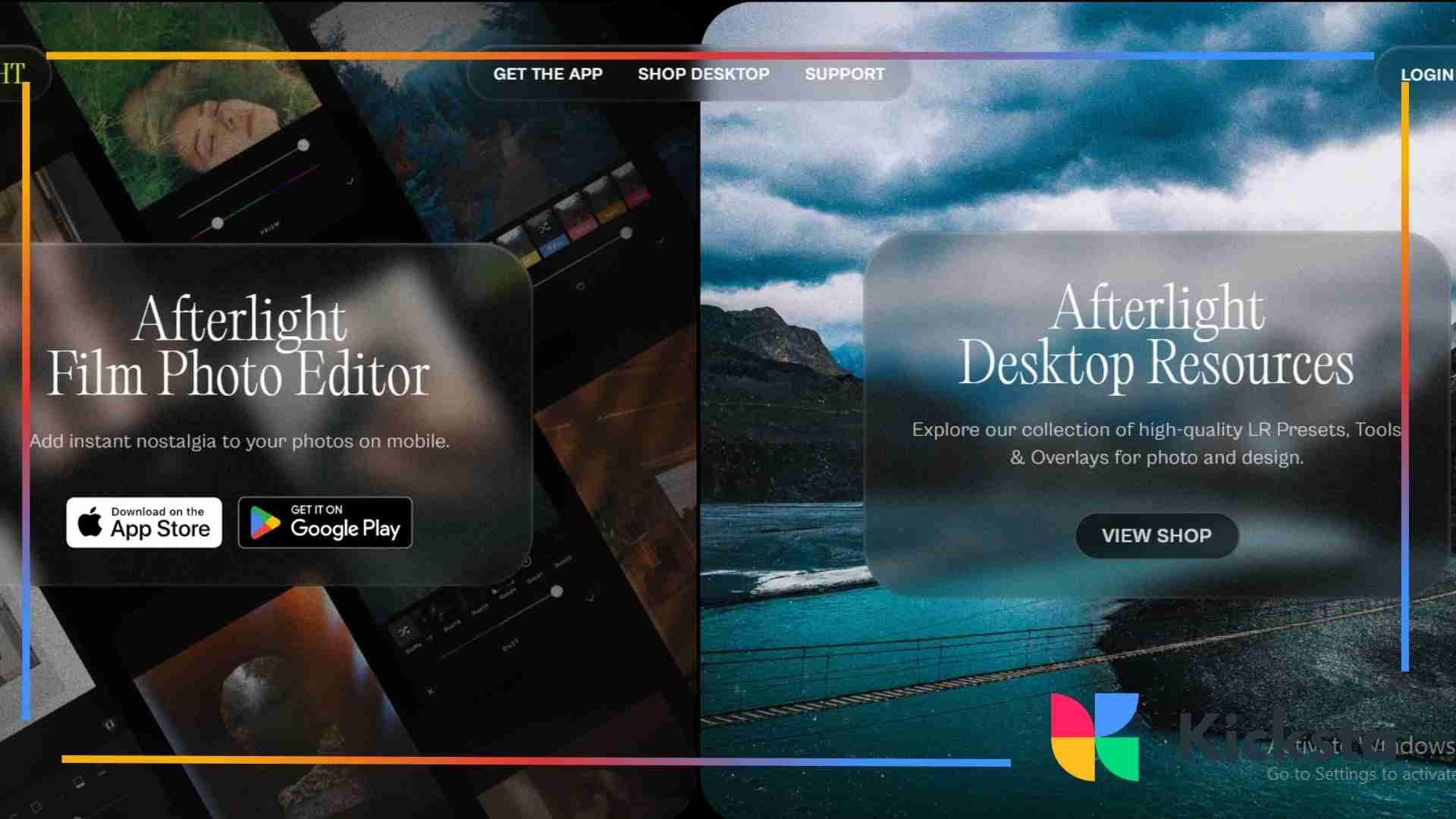
Afterlight offers creative tools that help bring personality to your images. The app includes textures, overlays, and artistic filters that help shape expressive photos. Afterlight works well for creators who enjoy visual experimentation.
Afterlight also offers strong adjustment tools for exposure, color, and detail. This combination helps you create balanced and artistic images without difficulty. The app supports both simple and advanced editing needs.
Pricing
Afterlight offers a free trial and a paid subscription. The paid version unlocks its full library of filters, overlays, and textures. This membership structure helps creators decide what level of creativity they want to explore.
Why People Choose This App
People choose Afterlight because it offers strong creative freedom while keeping the editing process simple. The filters and overlays add a unique character to each photo. Many creators enjoy how the app helps them experiment easily.
{{blog-cta-section}}
Aesthetic and Preset Focused Apps
Aesthetic and preset-focused apps help creators shape a strong mood for their photos. These tools offer ready styles that make editing simple. They also help your images feel more expressive and match trending looks across the Instagram explore page.
These apps support creators who enjoy visual storytelling. When your photos follow a clear mood, viewers recognize your style quickly. This helps your feed feel more unified and allows your content to stand out among similar posts.
VSCO
VSCO is known for soft tones and artistic presets that help shape expressive images. Its filters create gentle color shifts that feel natural. Many creators enjoy the way VSCO supports simple editing and easy consistency across their photos.
VSCO also works well for visual themes that fit creative communities, including styles inspired by aesthetics for boys or vintage looks. The app supports subtle editing that helps your content feel calm and expressive without heavy adjustments.
Pricing
VSCO offers a free version with basic tools and a paid membership for full preset access. The premium plan includes advanced adjustment tools, color controls, and exclusive filters that support deeper creativity and more consistent styling across your feed.
Why People Choose This App
People choose VSCO because its presets help create a clean and artistic mood with little effort. The app keeps editing simple and encourages creativity. It is useful for creators who want a soft and recognizable style.
Prequel
Prequel focuses on bold and modern aesthetics that help creators shape eye-catching content. The app includes filters inspired by film, retro visuals, and glowing effects. These tools make it easy to create posts that stand out immediately.
Prequel also includes trending looks that match current visual culture. When creators want dramatic tones or cinematic edits, Prequel helps deliver them quickly. This supports a strong visual identity and keeps your photos feeling fresh and current.
Pricing
Prequel offers a free version with limited tools as well as a subscription option that unlocks full effects, filters, and animation features. The paid plan supports deeper experimentation and a larger range of creative styles.
Why People Choose This App
People choose Prequel because it transforms simple photos into vibrant and expressive images. The effects feel modern and help creators match fast-moving online trends. Prequel also supports strong storytelling with bold colors and dramatic styles.
Tezza
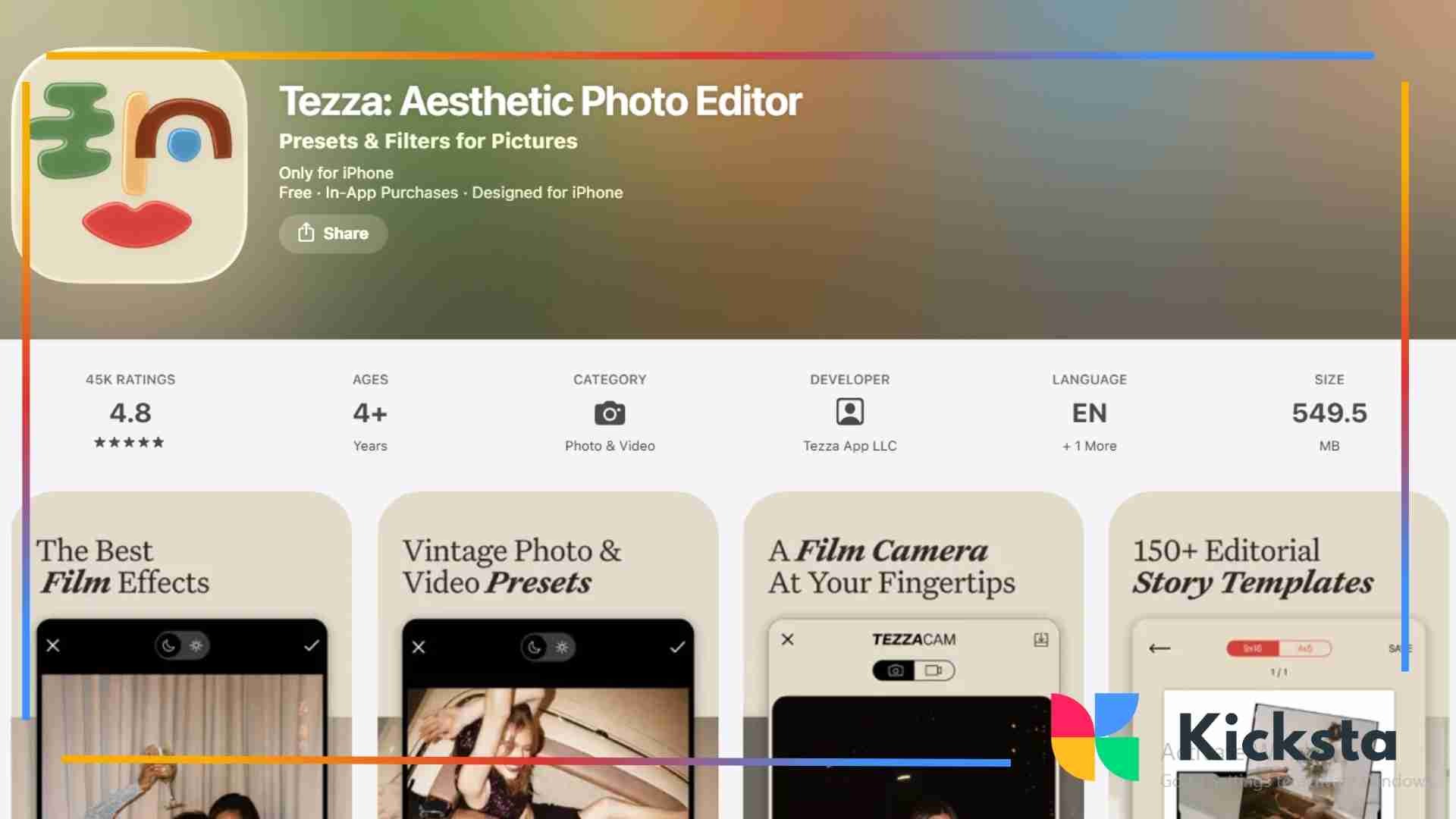
Tezza offers warm presets and soft tones that help shape a dreamy visual style. The app includes tools for gentle highlights and warm shadows, making it ideal for lifestyle creators. Tezza supports easy editing with a clean and simple layout.
The app also offers video editing tools that help maintain consistent styling across reels and clips. This helps creators build a unified identity across their entire feed. Tezza supports strong visual storytelling and simple workflow.
Pricing
Tezza offers a subscription-based model with full access to presets, overlays, and editing tools. The membership helps creators explore a wide range of expressive styles and adjust their content with more flexibility.
Why People Choose This App
People choose Tezza because its presets create soft and visually appealing tones. The app supports creators who want a warm and lifestyle-focused aesthetic. Its tools help shape photos quickly while keeping the editing process simple.
{{blog-cta-section}}
Teal and Orange Style Apps
Teal and orange style apps help shape cinematic tones by balancing warm highlights and cool shadows. These color combinations create a strong visual mood that stands out across feeds. The style works well for travel, landscape, and urban photography. A wider look at color grading can be seen in general guides on cinematic colors, which show how warm and cool tones create dramatic contrast.
These apps also allow creators to adjust intensity based on their needs. When you create a balanced color mood, your content becomes more recognizable. This style often appears in highly engaging posts and helps build a strong visual identity.
Pricing
Most teal and orange apps offer free tools with optional paid features. The paid upgrades often include deeper color adjustments and additional cinematic presets. This structure helps creators choose tools based on their editing needs.
Why People Choose This App
People choose teal and orange apps because the style feels cinematic and engaging. The bold color contrast grabs attention quickly. This look appears often in high-performing posts and helps elevate simple photos into dramatic and expressive visuals.
Creative and Effects Driven Apps
Creative and effects-driven apps help transform simple photos into expressive visuals with unique character. These tools offer artistic filters, drawn textures, and unusual color styles. They make your content stand out and help your posts feel playful and memorable. A similar approach to shaping expressive visuals appears in broad overviews of artistic effects, which explore how different looks can add personality to an image.
These apps also help creators explore new ideas without complicated tools. When you want to experiment with artistic effects, these apps provide simple controls. This encourages creativity and helps shape a personal style that viewers recognize easily.
PicsArt
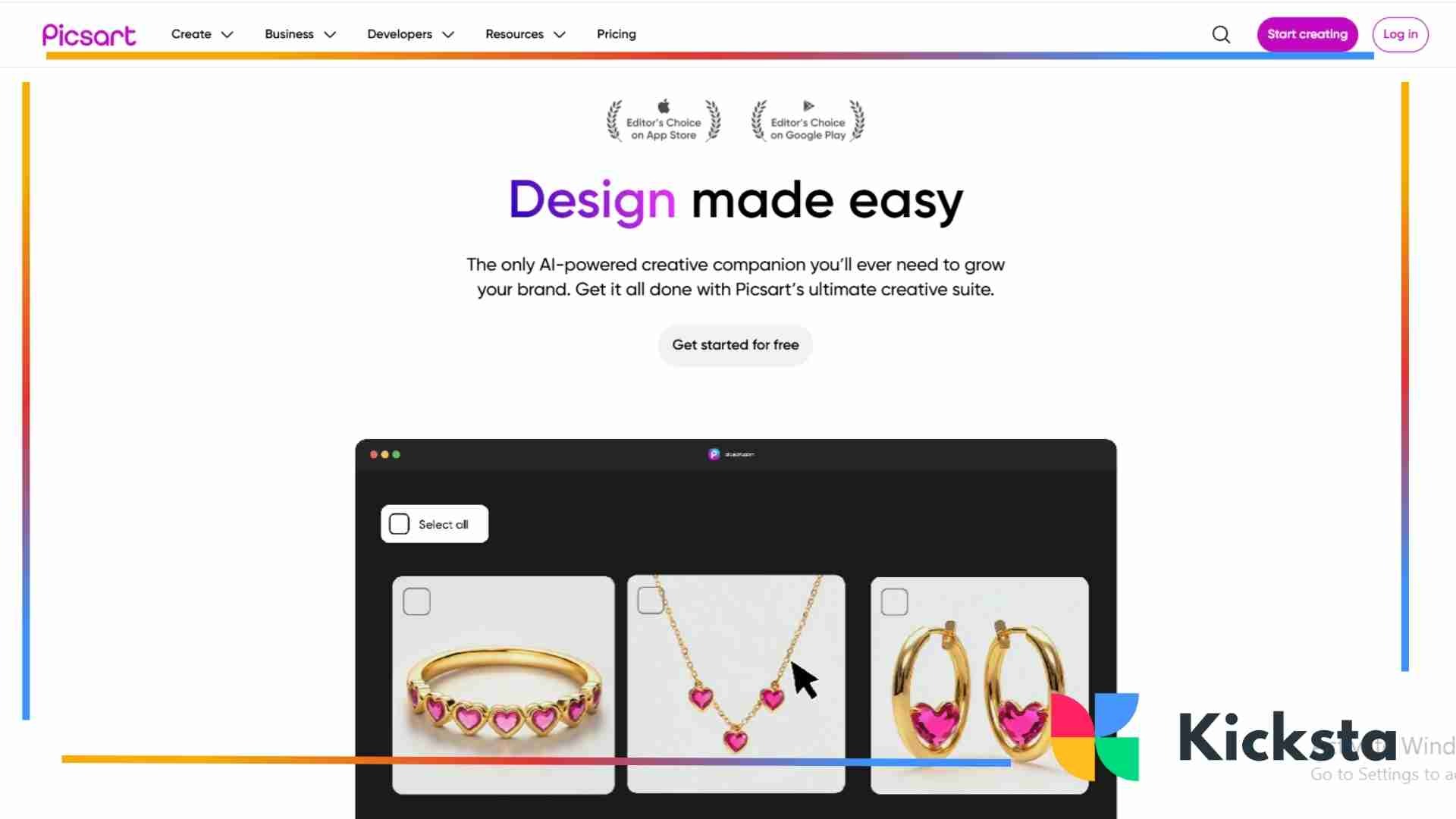
PicsArt includes creative effects, stickers, and custom drawing tools that help you shape bold images. The app supports expressive experimentation, making it easy to turn simple photos into eye-catching edits that match your personal style or brand identity.
PicsArt also helps creators who want unique storytelling. You can blend images, apply artistic filters, and experiment with dramatic colors. These features help your content feel lively and make your feed more visually engaging for new audiences.
Pricing
PicsArt offers a free version with essential features and a paid subscription with deeper tools. The premium plan unlocks advanced editing options, exclusive effects, and creative assets that help you develop a more personalized editing style.
Why People Choose This App
People choose PicsArt because it supports a wide range of creative editing. Whether you want simple adjustments or artistic transformations, the app gives you the tools to shape expressive visuals. Its versatility helps creators explore new ideas easily.
Prisma
Prisma turns your photos into illustrations inspired by painting styles. The app includes filters that mimic watercolor, ink, oil paint, and modern graphic design. This transforms everyday photos into artistic pieces that attract attention quickly.
Prisma also supports fast editing. You choose a filter and adjust the strength to match your style. This helps you create consistent artistic images without complex tools. Prisma works well for creators who enjoy unique and expressive visuals.
Pricing
Prisma offers a free version with limited filters and a subscription that unlocks the full collection. The paid plan also includes updated styles and additional creative controls. This helps creators expand their editing range with ease.
Why People Choose This App
People choose Prisma because it offers art-focused filters that feel unique. Its painterly styles transform simple images quickly and make your feed more expressive. Prisma supports a creative identity that stands out easily among typical edits.
{{blog-cta-section}}
Pixlr
Pixlr includes fast editing tools that support color adjustments, exposure balancing, and creative overlays. The app is simple to use and helps creators shape clean images quickly. Pixlr works well for both beginners and experienced editors.
Pixlr also includes playful effects that help your content feel lively. It offers brushes, textures, and double exposure tools that help you experiment. This encourages creative exploration and helps your feed feel more dynamic and engaging. A similar sense of experimentation appears in broad discussions of creative editing ideas, where flexible tools make visual play feel natural.
Pricing
Pixlr offers free tools along with optional paid upgrades. The premium plan adds more filters, overlays, and advanced adjustments. This structure helps creators decide how much depth they want in their editing process.
Why People Choose This App
People choose Pixlr because it offers simple tools with strong creative potential. The app blends fast editing with expressive features, making it useful for many styles. Pixlr helps creators shape clean or artistic images with ease.
PhotoFox
PhotoFox focuses on advanced artistic editing with layered tools. The app supports creative blending, surreal effects, and dramatic color adjustments. This helps photographers and designers create images that feel imaginative and carefully crafted.
PhotoFox also includes tools that allow you to reshape highlights, shadows, and tones. These controls support detailed editing and help you create expressive artwork for your feed. The app is ideal for creators who enjoy deep creativity.
Pricing
PhotoFox offers a free version with basic tools and a paid plan that unlocks advanced features. The premium option includes layering, masking, and more detailed artistic controls, supporting professional style editing.
Why People Choose This App
People choose PhotoFox because it allows deep creativity with advanced features. The app supports unusual designs, layered edits, and artistic blending. This makes it appealing to photographers and digital artists who want more expressive results.
How to Choose the Right App for Your Instagram Style
Choosing the right app depends on your goals and visual direction. When you understand the style you want, it becomes easier to select tools that support your creative routine. This helps your content look consistent and professional across your entire feed. Ideas about shaping a visual workflow often appear in resources that explore different photography tools, offering broad examples of how various features can influence creative results.
Different apps serve different needs. Some tools focus on color grading while others focus on design or portrait editing. When you match the app to your workflow, your editing process becomes faster. This helps maintain a steady flow of polished content.
For Creators and Influencers
Creators and influencers often choose apps that support strong storytelling and consistent visuals. Tools that offer presets or templates help shape a recognizable identity. This helps your audience remember your work and understand your style quickly.
Influencers also benefit from apps that support polished portraits or clean layouts. These tools help refine images for partnerships or a media kit for influencer use. Clear visuals support better brand communication and stronger audience trust on your page.
{{blog-cta-section}}
For E-commerce Brands
E-commerce brands benefit from editing apps that support clean product images and balanced lighting. These tools help create sharp photos that show details clearly. When your images feel professional, your products appear more appealing to new customers.
Editing apps for businesses often include layout tools for promotional posts. These templates help keep product information organized. Professional designs encourage viewer interest and help guide people toward purchasing decisions through clear presentation.
For Travel and Lifestyle Accounts
Travel and lifestyle accounts benefit from apps that enhance scenery and natural colors. Filters and grading tools help landscapes appear brighter and more expressive. These visuals help viewers feel connected to the moments you share in your posts. A similar focus on shaping visual moments appears in guides about travel photo tips, which explore how small adjustments can make scenes feel more vivid.
These accounts also use apps that support quick edits on the go. When you can refine photos immediately, you stay consistent during travel. This helps maintain long-term engagement and supports steady interest from viewers.
For Photographers and Artists
Photographers and artists often choose apps that offer precise controls over exposure, color, and detail. These tools help refine images with more accuracy. This supports creative expression and helps maintain the artistic quality of every post.
These creators also explore apps that support experimental looks. Artistic filters, overlays, and effects help shape unique visuals. Tools that encourage creativity can strengthen your identity and help your content stand out across the Instagram explore page.
Conclusion
Photo editing apps continue to shape how creators and brands present themselves on Instagram. When you refine your images with the right tools, your content becomes more expressive and polished, which helps viewers understand your message clearly. Editing also supports consistency, allowing you to develop a recognizable style that encourages long-term engagement. As visual trends change, these apps help you adapt your approach without losing your identity.
Choosing the best editing apps for your goals becomes easier when you understand your creative needs. Each tool offers unique strengths that help shape your photos into stronger and more compelling visuals. When you explore different options and develop a workflow that fits your routine, you strengthen your content strategy and improve how people experience your work. High-quality editing helps bring clarity to your storytelling and gives you confidence in every image you share. A calm and thoughtful approach supports smoother growth and long-term stability for your visual presence on Instagram.