SocialCaptain vs Kicksta: Side-by-Side Comparison of Two Popular Instagram Growth Tools

Deciding between SocialCaptain and Kicksta for your Instagram growth strategy? Both promise to help you grow, but they go about it in very different ways.
A quick note before we start: when we checked in November 2026, SocialCaptain’s main website (socialcaptain.com) wasn’t loading, though its sign-in app was still online. Because we couldn’t read SocialCaptain’s current plans, prices or feature list on its own site, we describe it in general terms below and point out where details come from our earlier comparison.
Our comparison will help you choose the right tool to boost your Instagram presence and reach your growth goals with confidence.
Let’s find the best fit for you!
Account Setup
Setting Up Your SocialCaptain Account
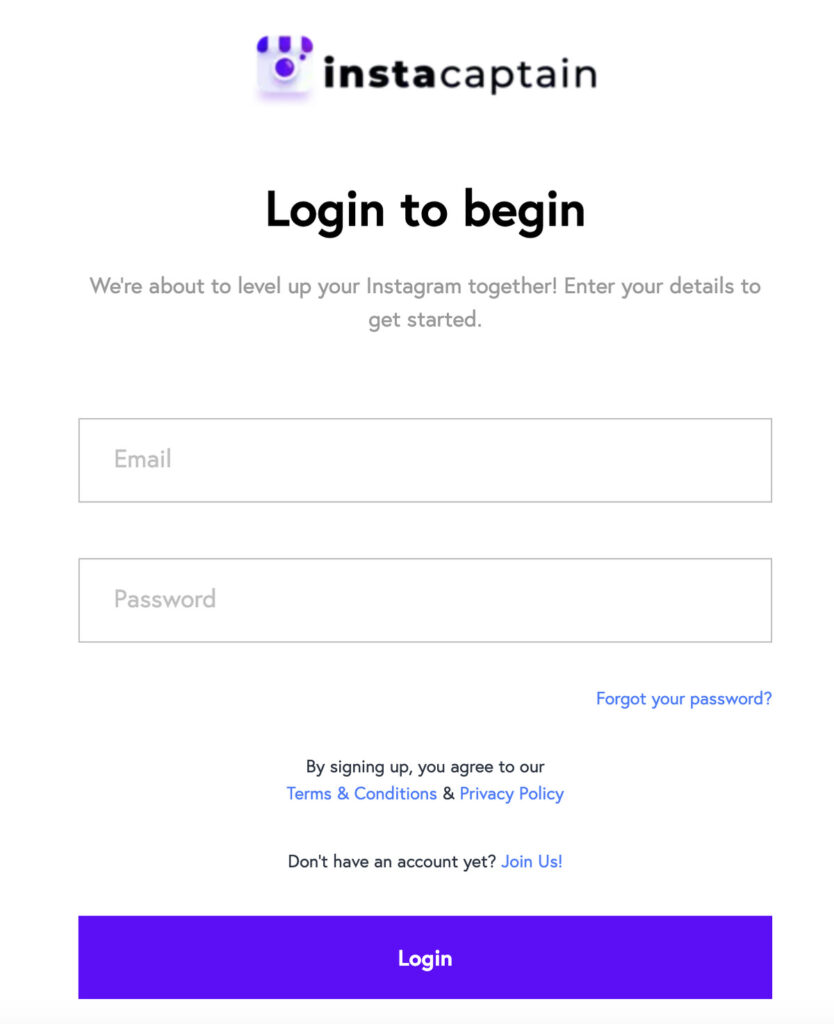
To create a SocialCaptain account, you go to the SocialCaptain app and choose “Create a free account.” The sign-in page lets you continue with your email address (SocialCaptain emails you a code) or with Google.
When we first compared the two services, the next step was to connect your Instagram account by entering your Instagram username and password.
Setting Up Your Kicksta Account
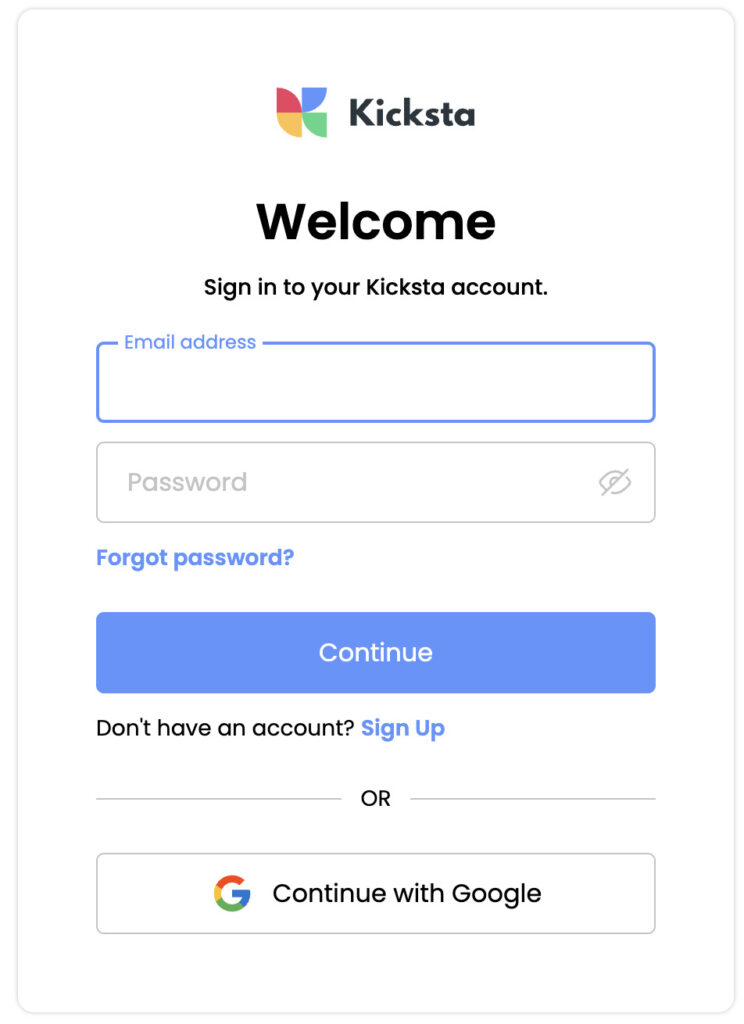
Visit Kicksta’s website and choose the plan that fits your needs: Growth or Advanced.
Then enter your Instagram username. Kicksta never asks for your password, and there is nothing to connect.
Add your targets, set your audience filters and train your targeting, and real, targeted followers start following you.
{{blog-cta-section}}
Features
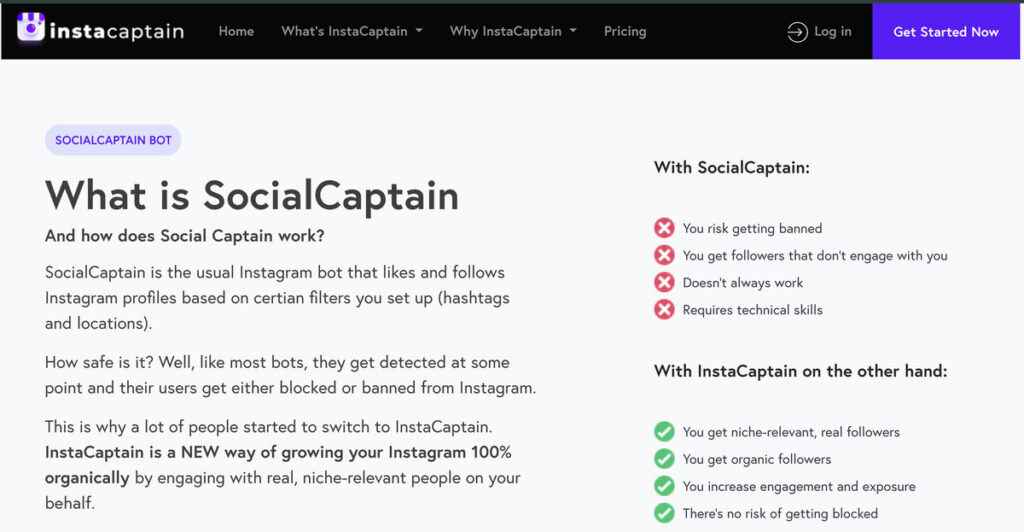
How Does SocialCaptain Work?
In our earlier comparison, SocialCaptain used your account to automatically like photos from other users, comment on their photos and send them automated DMs.
The idea was that these users (picked through SocialCaptain’s targeting options) would see the notification and come look at your account.
But while liking is a fairly subtle method, auto-comments and DMs often come across as spammy, which isn’t how you want your account to be known.
How Does Kicksta Work?
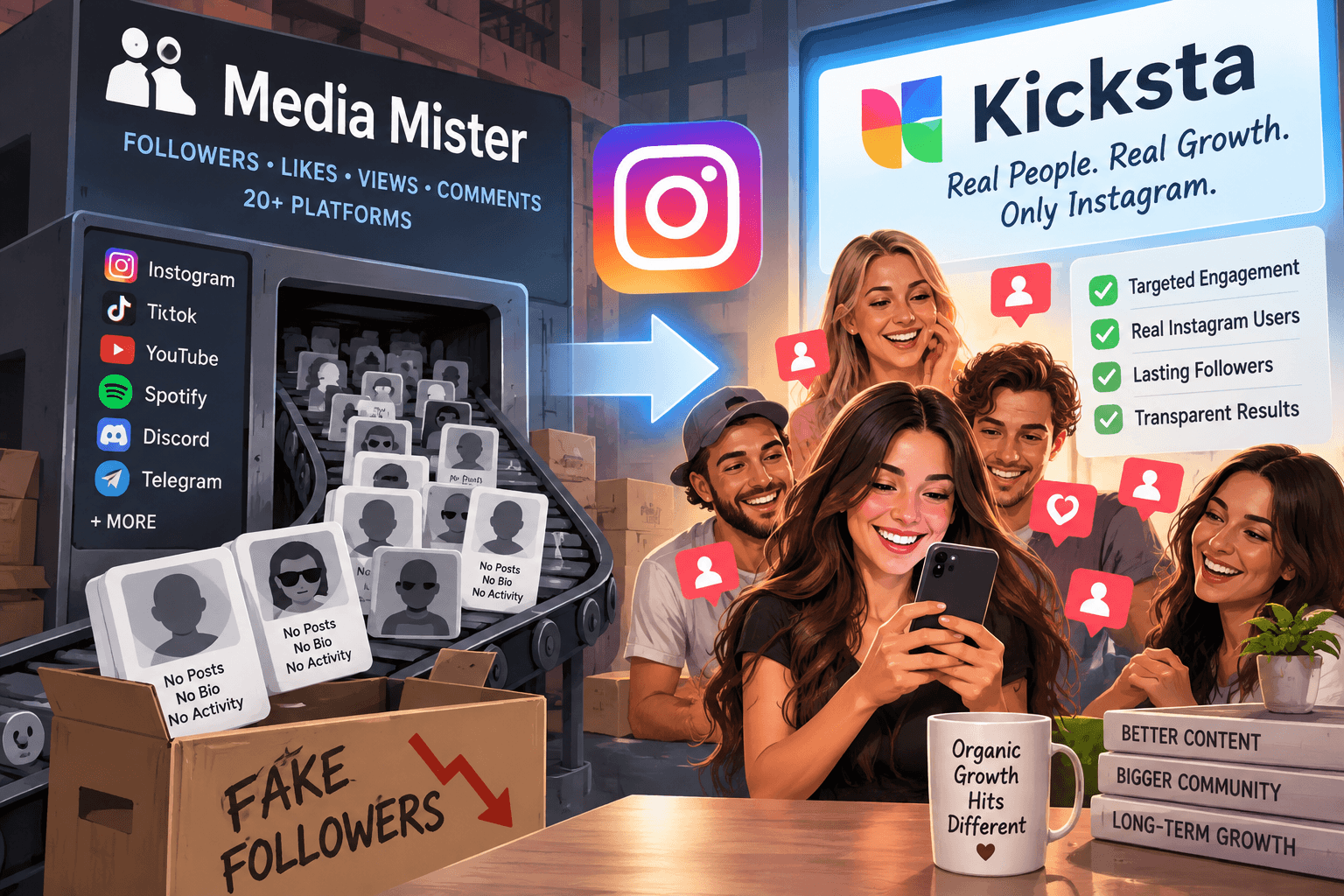
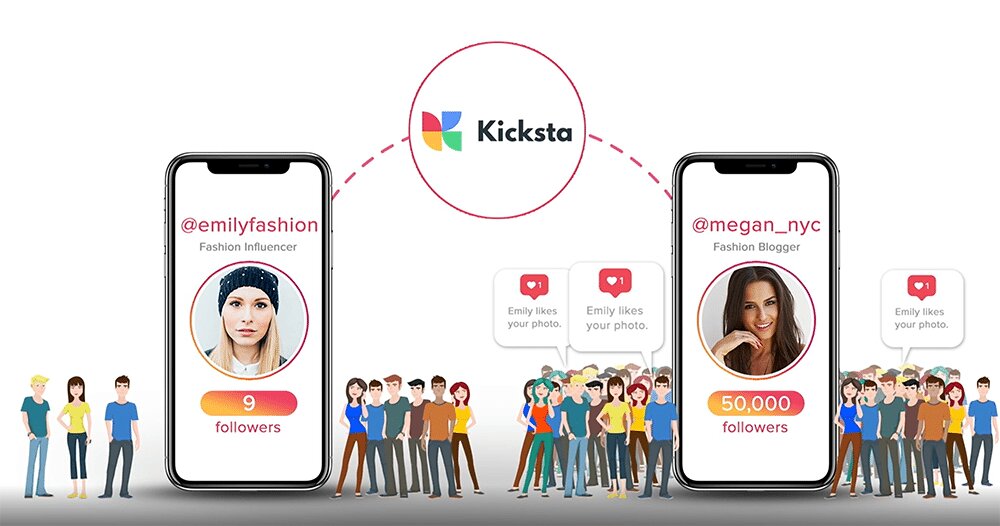
Some Instagram growth tools get you more followers by selling you pre-loaded accounts or using your account to DM other users. But these tactics are spammy and won’t work in the long run. Kicksta brings you real, targeted followers from the audience you choose instead.
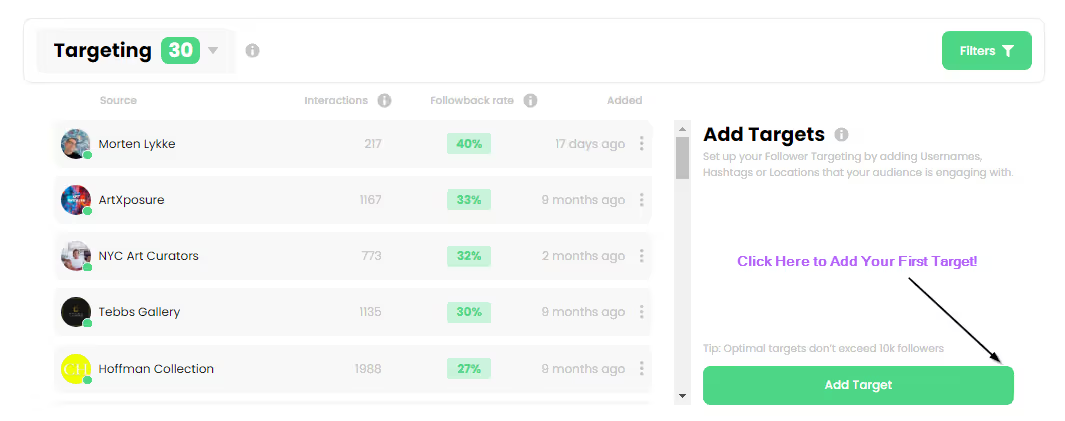
When you sign up with Kicksta, you start by adding targets: the Instagram accounts and hashtags your ideal followers already follow, such as competitors, influencers in your niche or hashtags your audience posts with. Kicksta then brings you real followers who match those audiences.
Kicksta doesn’t log in to your account and runs no automated follows, likes or DMs from it. It only needs your username, and audience filters plus bot and spam protection keep the followers you get relevant.
If you’re weighing up Instagram growth tools, a features and pricing comparison can help you decide whether Kicksta or SocialCaptain is the better fit.
Targeting
SocialCaptain’s Targeting Methods
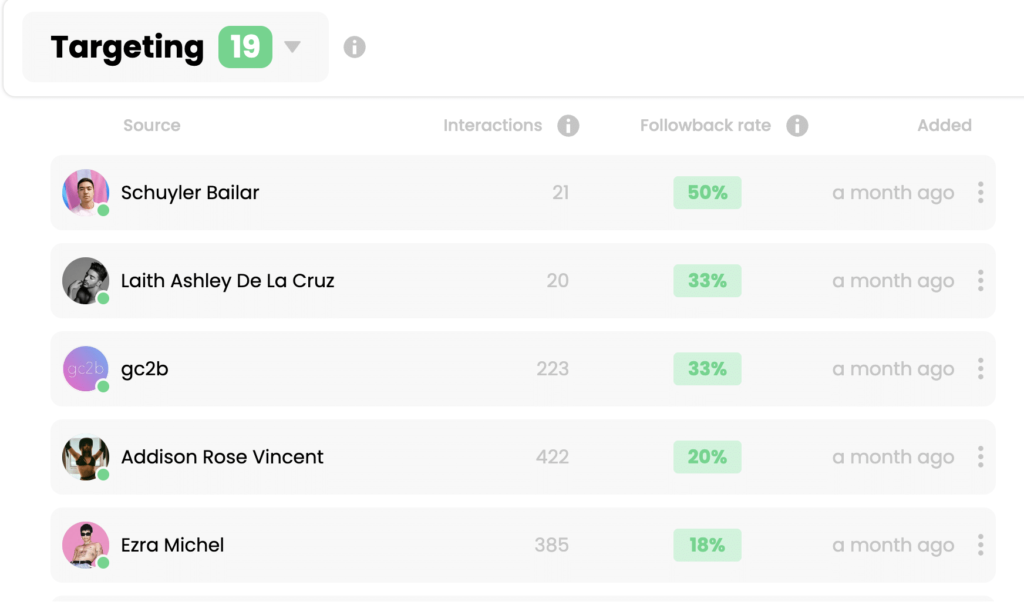
In our earlier comparison, once you connected your Instagram account, you could set up your ideal follower profile by selecting locations, hashtags, usernames and a gender filter. SocialCaptain’s bot then targeted users who matched your preferences.
Liking posts is a subtle approach, but automatic comments and DMs can feel less authentic.
Comments are often irrelevant, and DMs from strange accounts are quickly earmarked as spam. Truly high-quality Instagram growth services don’t use auto-comments or auto-DMs.
Kicksta’s Targeting Methods
Kicksta lets you set several specifications so it can focus on the type of users you want to reach.
When you first get started with Kicksta, you add your targets: up to 10 on the Growth plan or up to 30 on the Advanced plan. You can also choose the countries where you want to reach your audience (up to 10 or 30).
After you plug in your targets, you can optimize your targeting further with AI training: swipe yes or no on sample profiles, and Kicksta learns your ideal follower.
You can change your targets, filters and AI training from your dashboard at any time, and Kicksta uses the new settings from then on.
This way, the followers you get come from the audience you chose: real people who are likely to be interested in your brand and what you have to say.
More of the right followers means stronger social proof, more reach for your posts and more chances to turn followers into customers.
Filters
SocialCaptain Filters
To attract the right Instagram followers, choose a growth service with good filtering options. Filters help you avoid inactive, suspicious or irrelevant accounts.
When we first compared the two, SocialCaptain offered a gender filter to target specific user demographics.
Kicksta Filters
Make sure you’re reaching the right people by setting your audience filters. Kicksta lets you narrow your audience by gender, age, interests and language.
Bot and spam protection filters out likely bots and spam accounts, and you can also choose who to reach by account type and follower count. If you’re not sure where to start, the AI assistant in your dashboard can suggest targets for your niche.
Using these filters can help you grow the ideal follower base for your Instagram business account.
Dashboard/Analytics
SocialCaptain’s Analytics
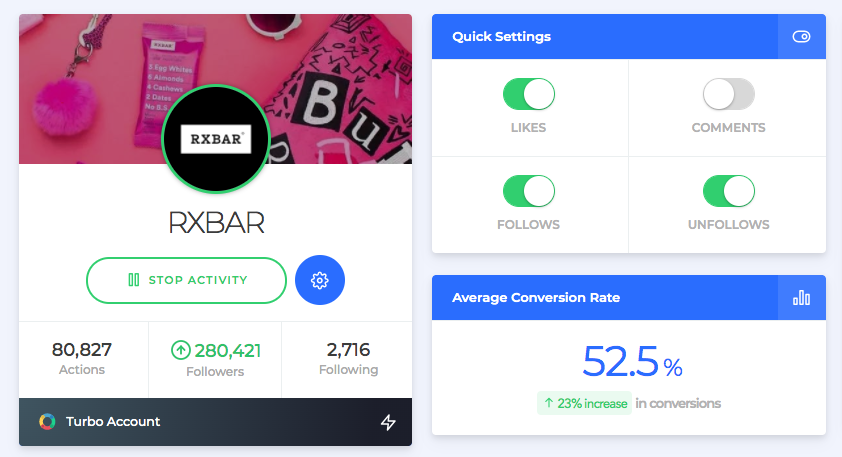
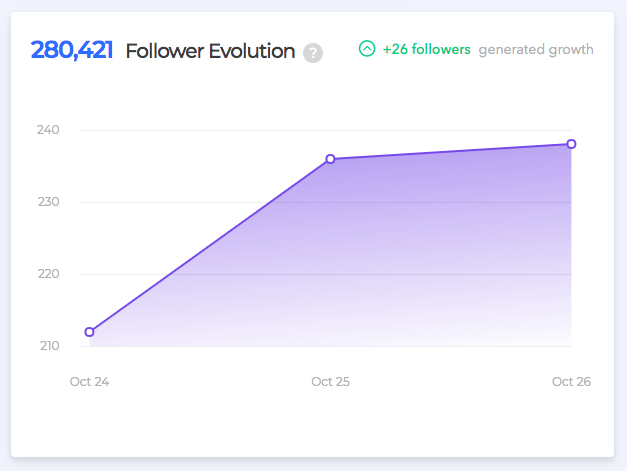
In our earlier comparison, SocialCaptain’s dashboard was clean, bright and easy to navigate. You could see your connected accounts at a glance with their current stats (followers, following, number of actions taken and so on), and reach the help center from the left-hand sidebar. There was also a live chat feature in the dashboard if you needed a little extra help.
Kicksta’s Analytics
Kicksta’s real-time growth analytics give you a close look at how your targets are performing. You can see which targets work best, so you can keep what works and archive the rest.
Your Kicksta dashboard also shows new followers as they arrive, your growth against the previous period and where your followers are.
Pricing Plans
SocialCaptain Pricing
SocialCaptain’s sign-in app offers a free account to start. With its main website down, we couldn’t confirm SocialCaptain’s current paid plans, prices or trial terms, so check them in the app before you pay.
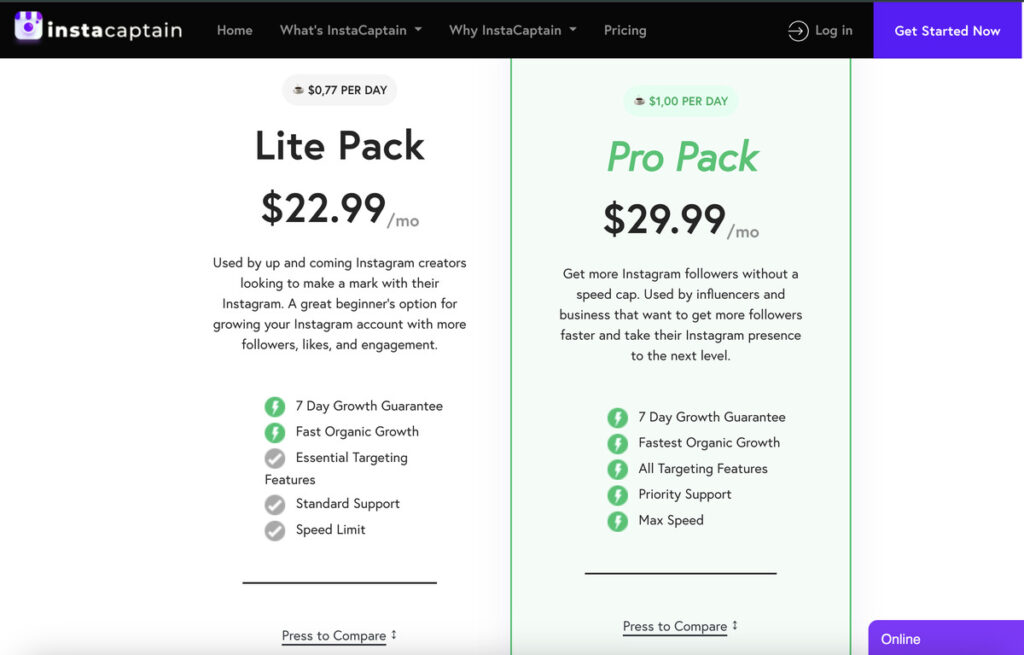
When we first compared the two services, SocialCaptain sold a basic plan and a higher-priced plan that promised more engagement and better support, as in the screenshot below.
Kicksta Pricing
Kicksta’s monthly and quarterly plans start with a 3-day free trial. A card is required to start it, and you won’t be charged if you cancel before the trial ends. You can cancel any time from the Subscription page in your Kicksta dashboard.
Kicksta focuses on steady growth with real followers rather than quick spikes that fizzle out, so you’ll see the most from it over time.
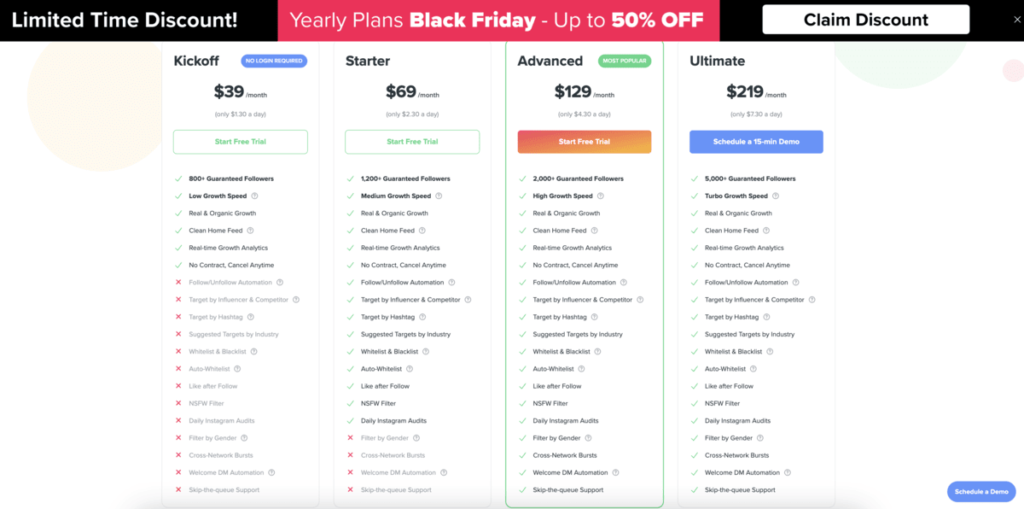
Kicksta has two plans: Growth and Advanced. Both include audience filters, bot and spam protection, AI training, the AI assistant and real-time growth analytics.
The Growth plan costs $69 a month ($49 a month billed quarterly, or $39 a month billed yearly). It includes up to 10 targets, up to 10 countries and 20 AI assistant messages a day.
The Advanced plan costs $129 a month ($99 a month billed quarterly, or $79 a month billed yearly). It includes up to 30 targets, up to 30 countries and 50 AI assistant messages a day.
Maintenance and Support
SocialCaptain Customer Support
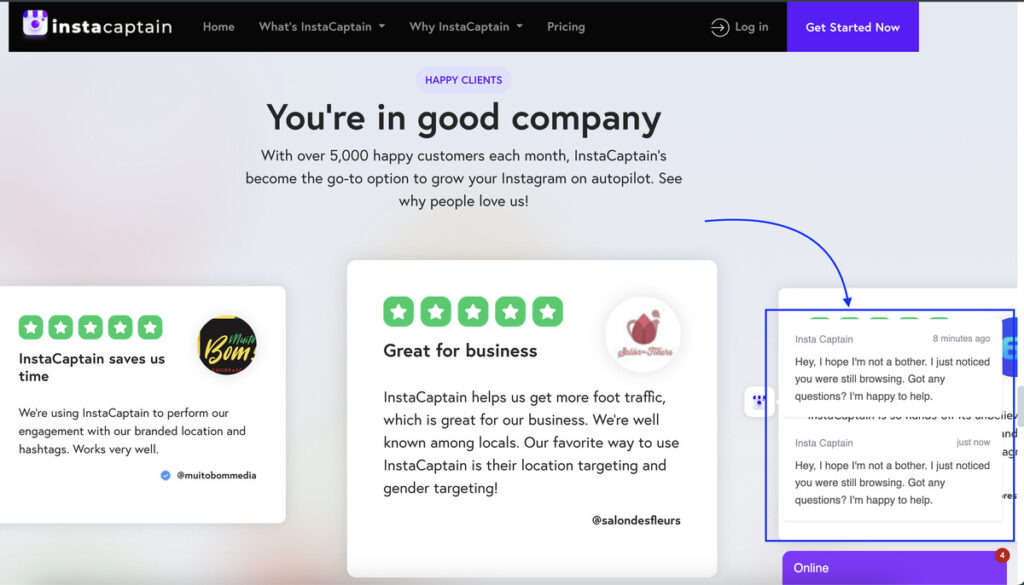
When we first compared the two, SocialCaptain had a live chat option where you could talk to staff or a bot and get answers to your questions in real time.
It also had a Help Center with articles on setup, getting better results and billing. With socialcaptain.com not loading in November 2026, we couldn’t check which of these support options are still available.
Kicksta Customer Support
You can reach Kicksta’s team by email at support@kicksta.co. Inside your dashboard, the AI assistant answers questions and gives targeting suggestions plus bio and content advice.
You can also read the FAQ and a blog with Instagram marketing tips. These cover setup, targeting, filters and analytics, helping you plan your strategy and compare Kicksta with tools like SocialCaptain.
Looking at managed growth services too? See how Kicksta compares with SupGrowth.
Conclusion
For those wanting real growth with active followers, Kicksta is the better option. With detailed targeting, audience filters and real-time analytics, you can get quality results without spammy methods, and without handing over your password.
SocialCaptain’s sign-in app is still online, but its main website wasn’t loading when we checked, so its current plans and prices are hard to confirm. If you want a service whose plans are clear up front and that grows your account in a real and sustainable way, go for Kicksta.