5 Ways to Deal With Instastalkers on Instagram in 2026


Instagram continues to grow as a place where people share personal moments, ideas, and everyday experiences with others. As activity increases, some users begin to notice patterns that feel uncomfortable or draw more attention than expected, which can affect their sense of privacy. Learning how to manage these situations helps you stay confident while posting. A calm and clear approach allows you to maintain control of your digital space without stress and enjoy the platform comfortably.
Safety on social platforms depends on simple habits that protect your privacy. When you understand how to adjust settings, limit visibility, and reduce personal exposure, you shape a stronger online environment. These steps help you continue posting and connecting comfortably while feeling secure. Building awareness and practicing thoughtful boundaries creates a peaceful and stable experience whenever you use the platform.
What Instastalking Means
Instastalking describes a pattern where someone watches your activity more than they feel is normal. This can include repeated visits, silent viewing, or checking stories as soon as they appear. For many people, stalking meaning becomes clearer when actions feel persistent. Recognizing this early helps you understand what to adjust.
While some viewers are simply curious, others may explore your content too deeply. Understanding the difference helps you protect your comfort. When activity feels intense or unwanted, you can consider safety steps like reviewing your profile and choosing what to share. It may even help to optimize your bio to reduce personal details that attract unnecessary attention.
How Instagram Stalking Works
Instagram stalking works through quiet actions that often leave no trace. Someone may watch every story, revisit older posts, or explore tagged photos without interacting. These movements feel small but create discomfort. Many people question how to know if someone is stalking you on Instagram when no alerts appear.
Since the platform does not notify users, you must rely on signals like repeated views or unusual patterns. These signs help you understand viewer behavior. With calm observation, you learn when to adjust your settings. This awareness helps protect your experience on the platform.
Common Instastalker Behaviors
Common behaviors include constant story viewing, saving posts silently, and checking highlights often. These actions build a pattern that feels unusual. When someone appears too frequently, you may sense discomfort. Understanding these behaviors helps shape your safety plan.
Some people even refresh profiles or revisit their feed often. These patterns create pressure on your online space. By noticing them early, you can take steps to limit exposure. A clear understanding helps you maintain control.
Why People Do It
People may stalk your account for curiosity, interest, or personal insecurity. Social media stalking sometimes begins when someone wants information without direct communication. These quiet habits feel intrusive even when intentions stay unclear. Understanding motivation helps reduce anxiety.
Others may watch your stories because they feel connected to the past. Silent observation often replaces direct contact. When this feels uncomfortable, you can protect your boundaries with simple tools. Knowing why people behave this way helps guide your next steps. A simple look at these behaviors appears in social behavior, which explains how curiosity and insecurity shape how people interact online.
{{blog-cta-section}}
Lock Down Your Privacy
Locking down your privacy helps you limit who can view your posts, stories, and daily updates. When you adjust settings carefully, InstaStalkers lose easy access. These steps help create a calmer online space. Simple changes protect your comfort.
Privacy settings also support better control. When you remove open access, you choose who engages with your content. This reduces unwanted viewing and strengthens your boundaries. Keeping privacy strong prevents many issues from growing.
Switch to Private
Switching to private limits your audience to approved followers only. This prevents strangers from checking your posts without permission. Private mode creates a safe environment and reduces the chance of dealing with an insta stalker or silent watcher.
A private account also stops unknown users from browsing your older posts. This keeps your past stories and images safe from repeated viewing. With this setting, you choose who stays inside your digital space.
Control Story and Post Views
Controlling story and post views helps you share content only with trusted people who respect your boundaries. When you customize your close friends' lists, viewers remain limited and easier to manage. This protects your stories even when someone attempts anonymous browsing or quiet stalking. These controls give you more comfort while posting, since you know your content reaches only those you approve and trust.
You can also hide stories from specific users who make you feel uneasy. This removes unwanted access without blocking them completely, which helps you avoid unnecessary tension. It becomes a calm and simple way to manage your personal space. These settings keep your updates safer and more comfortable, allowing you to share freely without worrying about who might be watching too closely.
Story View Tools
Story view tools let you control who sees your updates. These limits help if you worry about how to view an Instagram story being used too often by the same person. Selective story sharing creates a safer environment.
You can also watch Instagram stories from mutual followers to understand engagement patterns. This helps you notice unusual behavior early. Story view control remains one of the simplest ways to protect your content.
Limit DMs
Limiting DMs reduces unwanted messages and helps create a calmer space for your daily activity. You can adjust settings so only followers or selected groups can contact you directly. This prevents problem accounts from sending silent or repeated requests that feel uncomfortable. These DM controls help maintain peace by filtering distractions and allowing you to enjoy your time on the platform with more confidence and clarity.
Restricted DMs also filter suspicious users who may try to monitor your activity quietly. This extra step protects you from social media stalking attempts by limiting who can reach your inbox. When your messages stay organized and calm, you feel more comfortable posting regularly and sharing personal moments. These small DM limits strengthen safety in everyday use and help you maintain a healthier and more controlled online environment.
Share Less Personal Info
Sharing less personal information protects you from curious watchers. When you avoid detailed updates, you reduce the amount that instastalkers can examine. This simple boundary keeps your life safer and easier to manage. Less exposure protects long-term comfort.
You can still share creative or fun moments while keeping private details hidden. When you avoid sensitive subjects, your online presence feels more controlled. Careful sharing helps you stay safe without losing expression.
Skip Location Tags
Skipping location tags prevents people from knowing where you are in real time. Location tag misuse is common in stalking Instagram patterns. Avoiding them removes a major source of exposure and protects your daily routine. A free Instagram photo editor can help you create posts that look great without revealing any location details accidentally.
Some users include location tags in every story for fun, but this creates risk. Keeping your whereabouts private prevents both strangers and past connections from tracking your movements too closely. Skipping tags keeps your boundaries firm.
Avoid Sensitive Posts
Avoiding sensitive posts reduces what silent viewers can gather about your life. When content feels very personal, unwanted spectators may become more curious. Keeping things lighter helps reduce the emotional weight of unwanted viewers.
Sharing less emotion-driven content protects your peace. It prevents others from misunderstanding your situation or developing stronger habits of watching your posts. Balanced content helps protect your comfort and privacy.
{{blog-cta-section}}
Remove or Restrict Problem Accounts
Removing or restricting problem accounts helps you regain control of your space. When someone behaves like an Instagram stalker, taking quick action protects your comfort. These tools also help keep your account clean if you plan to build a media kit for influencer opportunities. Calm steps create a safer profile.
Taking action early also prevents situations from growing. When you restrict or remove accounts before issues escalate, you protect your emotional space. This helps keep your feed peaceful and reduces long-term stress. Strong boundaries keep your account healthy.
Block vs Restrict
Blocking removes full access from a user. They cannot view posts, stories, or older content. This is effective for serious Instastalker behavior. Blocking gives you complete control and protects your privacy with one simple step.
Restricting keeps things quieter. The person can still see your content, but their comments stay hidden from others. This helps manage uncomfortable situations without alerting them. Restricting works well if you want privacy without confrontation.
When to Block Completely
Blocking completely works best when someone repeatedly checks your stories, interacts strangely, or comes from a fake Instagram account. These profiles often behave unpredictably, and removing them protects your comfort. Blocking keeps your digital space stable and quiet.
You should also block accounts that try to contact you in ways that feel invasive. Taking this step protects your emotional well-being. It also reduces any long-term discomfort. Blocking is an effective safety method for many situations.
Use Mute Smartly
Muting helps manage unwanted attention while avoiding direct conflict. When you mute someone, you do not see their activity, and they feel less present. This brings calm to your daily scrolling. Muting is useful for mild discomfort.
Mute also helps with losing followers on Instagram if your strategy shifts. Some viewers hope for instant follower growth and may follow silently without engaging, which changes your overall patterns. Muting these accounts helps you maintain balance and understand your audience more clearly.
Smart Mute Settings
Smart mute settings help you limit what you see from unwanted users. When their posts or stories no longer appear in your feed, tension decreases. This reduces the impact of an Insta stalker without creating noise.
Muting also creates space for healthier connections. When you focus on positive interactions, your experience improves. This small action supports mental clarity. Muting is a peaceful way to manage digital boundaries.
Use Safety Tools
Safety tools help keep your account protected from unwanted viewing or repeated silent visits. When you combine several privacy features, Insta stalkers lose access and interest. A clear explanation of useful protections appears in privacy controls, which covers simple ways to secure your online activity.
Safety tools also prevent strangers from collecting information. When your digital trail stays limited, you control how much others can see. This reduces the chance of deeper social media stalking or repeated viewing. Using these tools strengthens your overall privacy.
VPN and Privacy Apps
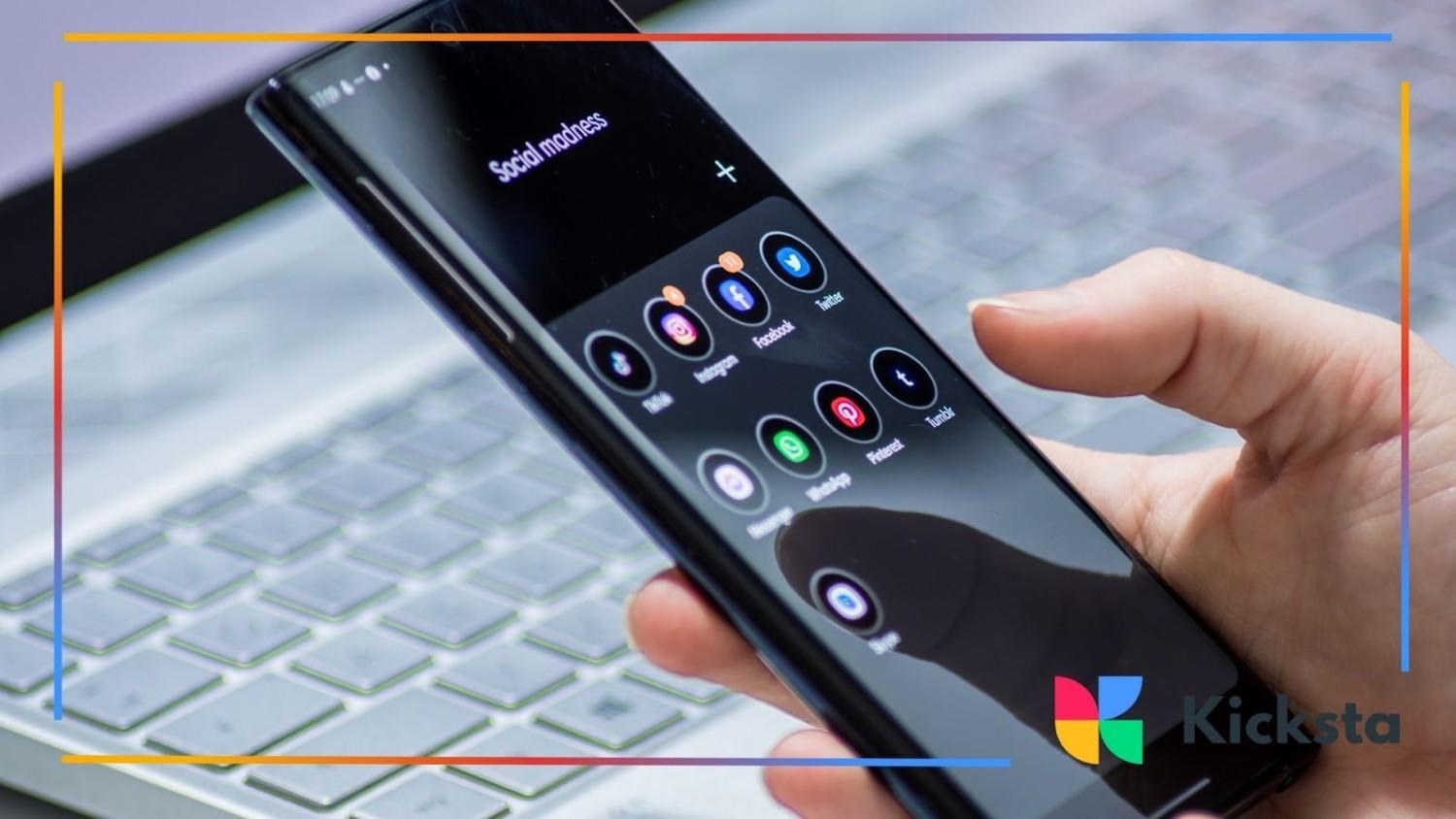
VPN and privacy apps help protect your online activity. They make it harder for suspicious viewers to trace your behavior or location. Many users rely on these tools when dealing with an Instastalker or unwanted attention. Private browsing creates digital distance.
These apps also protect you on public WiFi. When your connection stays hidden, strangers cannot gather your information easily. This keeps your presence safer while scrolling or posting. VPNs create an extra layer of protection for everyday use. A completely different but still relevant angle on staying protected appears in secure browsing, which explains practical steps for keeping your online activity private.
Helpful Privacy App Features
Many privacy apps offer features like hidden browsing, activity blockers, and safe viewing modes. These settings help limit exposure while still allowing normal Instagram use. They create strong digital walls around your content. These features reduce unwanted monitoring.
Some apps even offer tools similar to an Instagram followers tracker that help you understand unusual patterns.
Watch Out for Fake Profiles
Fake profiles often cause worry because they hide identity and intentions. Many InstaStalker cases begin with accounts that lack photos, real names, or consistent activity. Watching for these signs helps you detect problems early. Awareness protects your peace.
These profiles may follow closely without interacting. When activity feels strange, you can restrict or block it to protect your comfort. Fake accounts sometimes come from Instagram name generators, making them easy to create. Recognizing these patterns helps maintain safety.
{{blog-cta-section}}
Spotting Suspicious Accounts
Suspicious accounts often show unusual behavior that feels out of place. They may view stories too quickly, revisit your page repeatedly, or react to older content without any clear reason.
Profiles with very few posts or oddly generated names also raise concern, especially when their activity does not match normal behavior. These accounts may monitor your content quietly without interacting in meaningful ways. Taking action early prevents further discomfort and protects your peace. Guidance related to spotting unsafe profiles appears in online safety tips, which explain how to identify unusual or suspicious account behavior.
Report Serious Issues
Reporting serious issues helps protect your safety when behavior becomes threatening or uncomfortable. When someone repeatedly watches your activity or contacts you strangely, reporting gives Instagram a clear signal.
Reporting also creates a documented record of the issue. Instagram can review the situation and take action based on its policies. This reduces stress and helps you feel supported on the platform. Taking early steps protects your long-term comfort.
When to Report

Reporting becomes necessary when instastalker behavior escalates into harassment or repeated unwanted messages. If someone sends unsettling content or watches your stories obsessively, it becomes a concern. These situations show clear signs of stalking Instagram patterns that need attention. Clear guidance on handling these situations appears in online harassment help, which explains when and why reporting becomes important for safety.
You should also report accounts showing signs of fake Instagram accounts used for monitoring. When behavior feels unsafe, do not wait. Reporting helps Instagram intervene quickly. Taking action keeps your digital space healthier and calmer.
Save Evidence If Needed
Saving evidence helps if the situation becomes more serious. Screenshots of messages, story views, or strange activity provide useful details. These records help explain what happened. Clear proof makes reporting smoother and more effective.
You can also store your screenshots in a private folder. This helps you track any changes in behavior. If things escalate, the information becomes valuable. Keeping records supports strong safety steps and better communication with Instagram.
FAQs
Is stalking on Instagram a crime?
Stalking on Instagram depends on the level of behavior. Simple profile viewing is not a crime, but repeated monitoring, threats, or harassment can cross legal lines. Many regions treat digital stalking like offline stalking. Understanding these rules protects your safety.
How do I stop someone from stalking me on Instagram?
You can stop someone from stalking your Instagram by using privacy tools, blocking accounts, restricting messages, and sharing less personal information. These steps reduce access and visibility. Adjusting settings helps you create a protective barrier around your content.
You can also use link-in-bio tools to guide viewers away from personal information. If behavior continues, block or report the account. Calm boundaries and strong settings stop unwanted attention effectively and improve long-term comfort.
Does Instagram notify you when someone stalks your account?
Instagram does not notify you when someone views your profile or visits your posts. This makes people wonder if you can see who stalks your Instagram or if silent viewers appear anywhere. Currently, there is no official tool for this.
Some apps claim to show viewers, but most are unreliable. Instagram protects this information for privacy reasons. Instead, you can watch for patterns in story views or unusual interactions. Awareness helps identify strange behavior even without notifications.
Key Takeaways
Handling unwanted attention becomes easier when you follow simple steps that protect your privacy and comfort. Strong settings, clear limits, and thoughtful choices help reduce pressure and uncertainty as you navigate the platform. These habits support a healthier experience and prevent situations from becoming overwhelming. When you understand your options and take calm action, you create a sense of control that makes your daily use of Instagram feel safer, more balanced, and more predictable.
Creating a peaceful digital space requires steady awareness and consistent habits that protect your emotional well-being. When you respond thoughtfully, use available safety tools, and set clear boundaries, your account becomes more secure and easier to manage. These actions help you share content with confidence and maintain clarity in your interactions. Strong personal limits allow you to enjoy the platform while staying safe, comfortable, and fully in control of your online environment at all times.





.jpg)
.jpg)